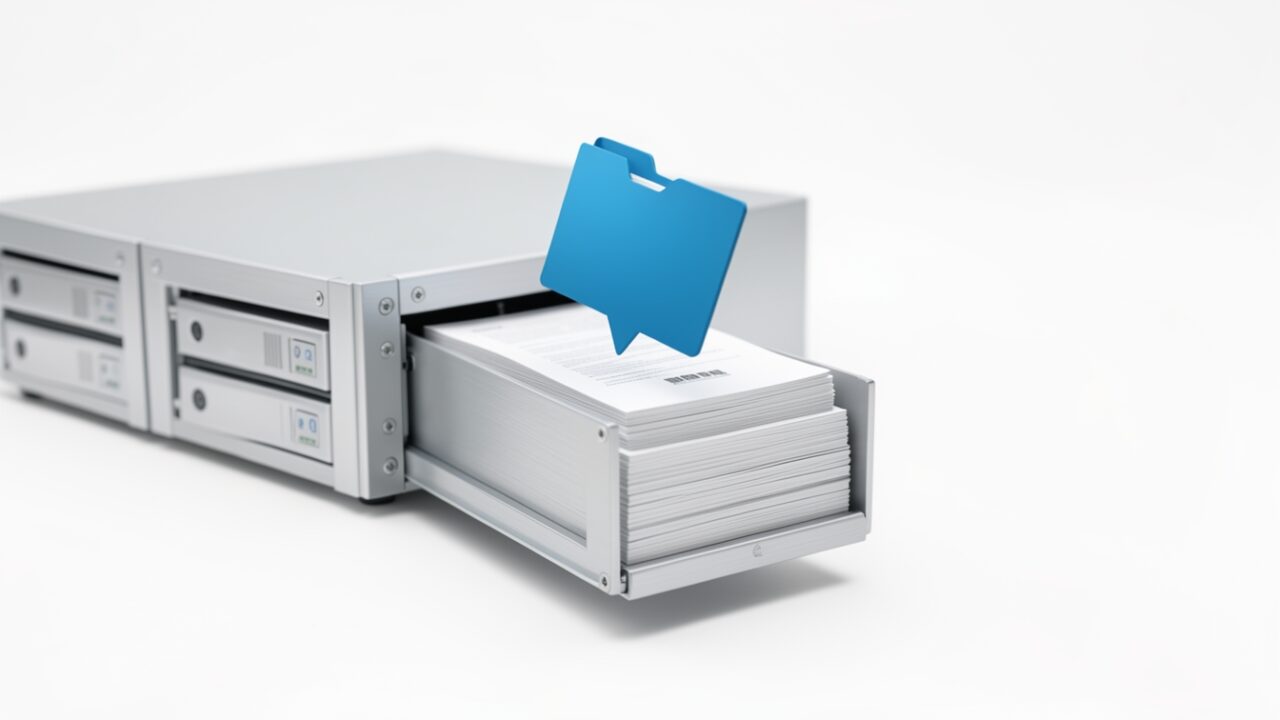
Someone deletes a config file at 02:00. On a VM backed by Premium SSDv2 or Ultra Disk, until recently your only move was to restore the entire machine, provision new disks, attach them, boot it, and copy one file off it. That’s demolishing a house to retrieve a passport from a kitchen drawer. It works. It’s also absurd, slow, and it burns compute quota you probably need for the actual workload.
That drawer is now reachable without the wrecking ball.
The old state: full VM restore or nothing
Azure Backup has offered Item-Level Recovery (ILR) for standard managed disks for years. ILR is the elegant bit: it takes a recovery point and mounts it, as an iSCSI target exposed through a small downloadable script, so your recovery point shows up as real volumes on a machine you choose. You browse, you copy the files you want, you dismount. No new VM. No boot time. No quota consumption beyond the box you’re running the script on.
Premium SSDv2 and Ultra Disk were the exceptions. These are the high-IOPS tiers people put under databases, transaction logs, and latency-sensitive apps, precisely the workloads where single-file recovery matters most. And they were the ones locked out of ILR. If you wanted one .mdf file or yesterday’s log, you restored the whole VM. The disk types that most needed surgical recovery only offered amputation.
The change: ILR is GA for SSDv2 and Ultra
Microsoft has shipped general availability of ILR for Azure VMs using Premium SSDv2 and Ultra Disk (update ID 577963). The detail that actually matters in the fine print: it covers both 512-byte and 4K logical sector sizes. Ultra Disk in particular lets you pick the sector size at creation, and 4K-native disks have historically been where tooling quietly falls over. Covering both means you don’t have to audit your fleet’s sector geometry before trusting the feature.
What this unblocks is specific and boring in the best way:
- Pulling a single corrupted database file or an accidentally-truncated transaction log back from last night’s recovery point.
- Extracting an application log for an incident investigation without disturbing the running VM.
- Restoring one config file someone edited with more confidence than skill.
Be clear about the scope. This is Premium SSDv2 and Ultra Disk only. It is not a blanket “ILR now works everywhere” announcement, and it is not full-VM or disk-level restore, those remain separate operations for when you genuinely do need the whole machine.
Now: verify it in your own vault
ILR is driven from the recovery point. In the portal it’s the File Recovery action on a VM backup item, Azure generates an executable script and a password, you run the script on any machine with network line of sight, and the recovery point mounts as local volumes.
Before you need it at 02:00, confirm your protected items and recovery points exist. From PowerShell:
Or, to confirm the item is protected and which policy it’s on with the CLI:
Two things to check that the announcement doesn’t shout about: the machine you run the mount script from needs network reachability to the vault, and ILR recovery points stay mountable for a limited window before you must dismount. If a region or SKU gap shows up for your subscription, the recovery point’s File Recovery blade is where it’ll surface first, not the release note.
The next dated beat is yours, not Microsoft’s: schedule a recovery drill on a non-production SSDv2 VM this week, mount a point, copy a file, dismount. Find out whether the feature is there before an incident finds out for you.