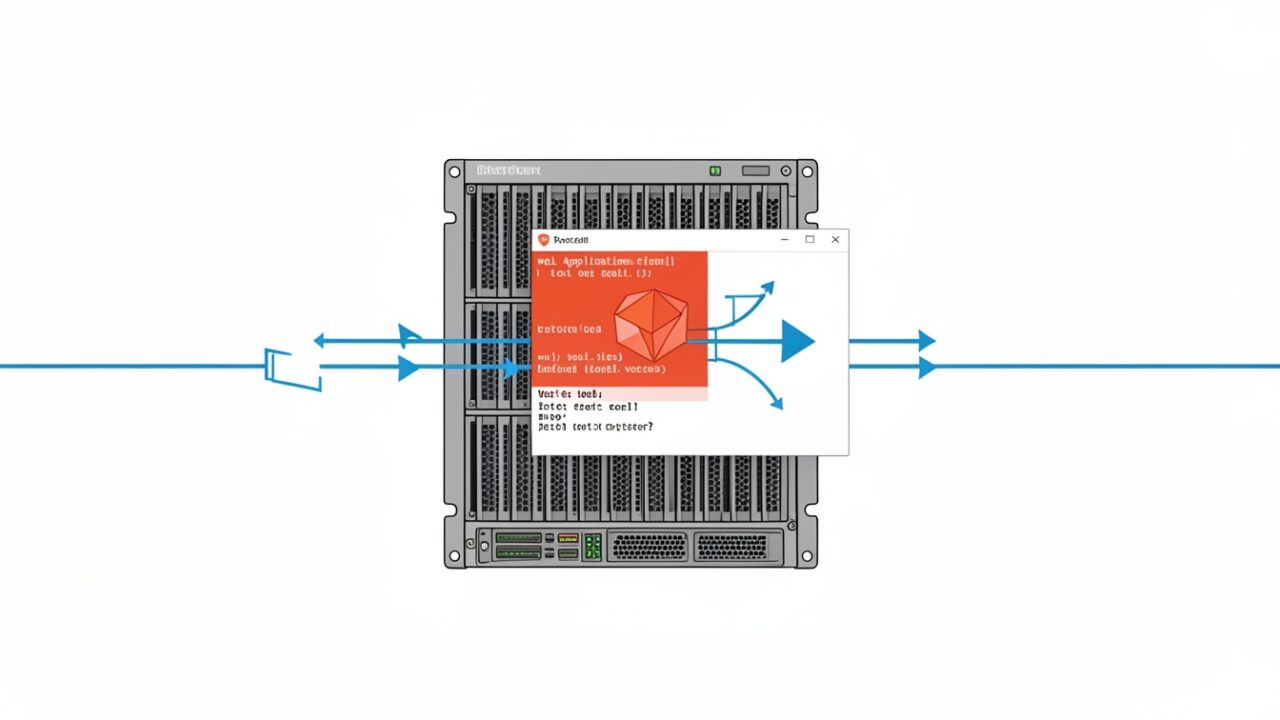
The box you bought to stop command injection is now executing attacker commands as root. BleepingComputer reported active exploitation of an OS command injection flaw in SiteGuard Server Edition on October 18, 2026, unauthenticated, remote, and landing with the WAF’s own elevated privileges. On Linux that’s root. On Windows that’s SYSTEM.
The mechanism is basic. Untrusted input from a request reaches a shell call without being sanitized or properly escaped, so a crafted value doesn’t get treated as data, it gets treated as a command. Because a WAF sits inline, inspecting and rewriting traffic, it typically runs with high privileges and listens on the very edge of your network. Compromise it and you don’t just own a host; you own a vantage point over every request, credential, and session it was built to protect. That’s the part the datasheet won’t mention.
I don’t have a confirmed CVE or a patched version to hand you, treat anyone who claims a precise patch level without linking the vendor advisory with suspicion. Here’s the order I’d actually work in.
1. Find out if you even run it, on purpose or otherwise
Shadow WAFs exist. A team stood one up for a project in 2023 and nobody decommissioned it. Inventory first, audit-only:
Note which user owns the process. If that column says root, the blast radius of a single bad request is the whole machine.
2. Determine your exposure before your version
Version matters, but reachability decides your night. If the SiteGuard listener answers directly from the internet, you are in the immediate-action bucket. If it only sees traffic forwarded from an upstream proxy or CDN that you control, you have a little more room, but don’t mistake “behind another box” for “safe.” Check what can actually reach the port, from where, with no auth.
3. Pull the WAF logs and look for the shell in the request
Command injection leaves fingerprints. Hunt for shell metacharacters and command substitution in request fields the WAF parses, things like ;, |, backticks, $(, and encoded variants. More reliable than guessing at payloads: look at the process tree. A WAF should never spawn sh, bash, curl, wget, nc, or powershell as children. If it did, you don’t have a detection problem, you have an incident.
4. Patch to the vendor’s fixed build, read the advisory, don’t guess
Go straight to JP-Secure / EG Secure’s advisory for the fixed version and the exact affected range, and apply it. I’m deliberately not quoting a version here because inventing one gets people patched to a build that doesn’t exist. If the vendor hasn’t shipped a fix for your edition yet, move to the next step and stay there until they do.
5. If you can’t patch today, strangle the reachability
Restrict the management and listening interfaces to known source IPs at the network layer, not in the WAF’s own config, which is the thing under attack. Put an upstream filter in front that drops shell metacharacters in the fields known to reach the shell. Drop the WAF’s privileges if the product supports running non-root; even a partial deprivilege turns “root” into “annoying.” And rotate anything the box could see: TLS keys, upstream credentials, session secrets. Assume a compromised inline WAF read all of it.
6. Watch for persistence after you’ve closed the door
Attackers who got root during the exploitation window will plant persistence. Check cron, systemd units, authorized_keys, and any new local accounts created since mid-October. Patching an already-compromised host just locks the intruder inside with you.
If you do only one thing before you close the laptop: confirm whether your SiteGuard listener answers from the internet, and if it does, put a source-IP filter in front of it tonight. The patch can wait until morning. The exposure can’t.