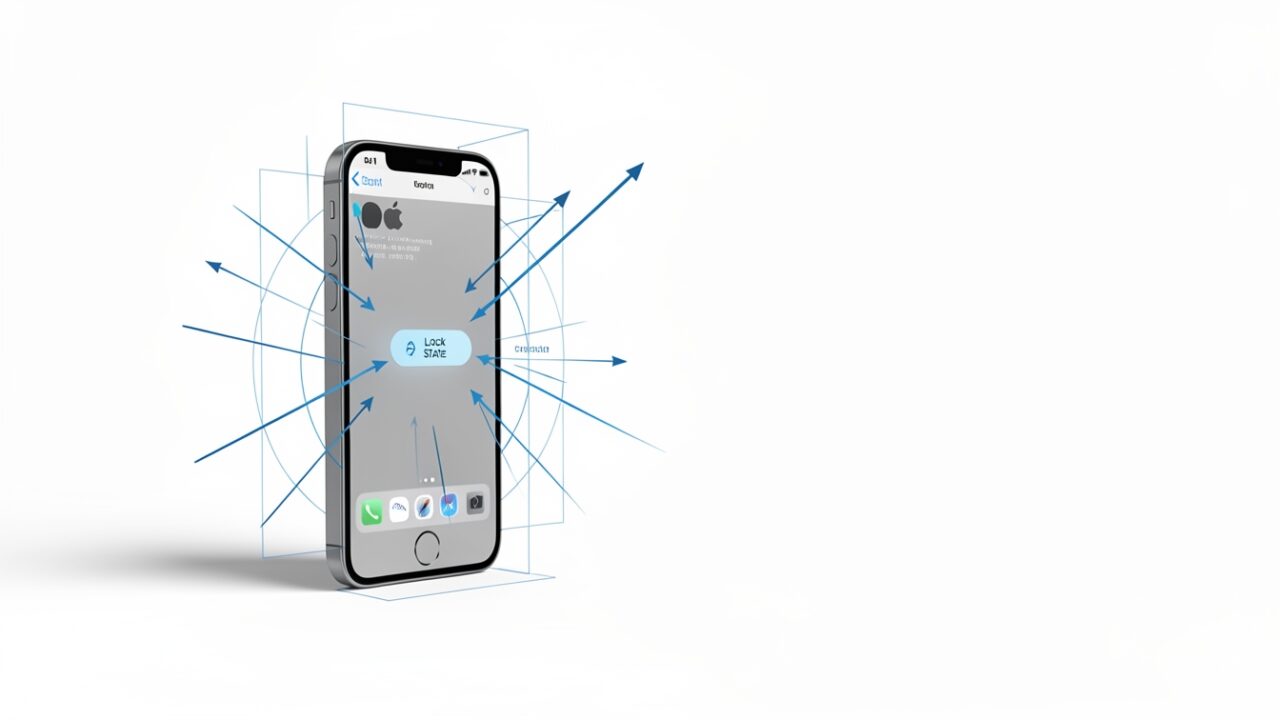
Someone yanks a phone out of a hand on a train platform. The old model says: fine, they’ve got the device, but the moment it re-locks they hit a wall of Face ID and, if they wander somewhere unfamiliar, a security delay. Reactive. Location-aware. Patient.
iOS 27.2 beta 2 (build 24B5089g, shipped today) does something the old model never did. It reacts to the snatch itself — the accelerometer signature of a device being ripped away and carried off at pace — and locks before the thief has taken three steps. And here’s the part that matters for anyone building on Apple’s authentication stack: it can slam that lock down while a LocalAuthentication session is still open.
That’s the shift. Stolen Device Protection asked where are you. The new behavior asks what just happened to you. Two years of location-and-time gating, and motion quietly won the argument.
What it actually appears to do
Everything below is reasoned from the observable behavior in beta 2 and from how the existing frameworks are documented. Apple has published nothing on the mechanism — it’s not in the release notes, and the AppleInsider teardown is a behavioral observation, not an API reference. Treat every specific as verify on your own hardware before you trust it.
Stolen Device Protection, from iOS 17.3, is a policy layer. When you’re away from a familiar location it forces biometrics with no passcode fallback for sensitive actions, and adds an hour-long security delay before things like changing the Apple Account password. It’s slow on purpose. The delay is the defense.
The 27.2 behavior lives lower down. It’s a runtime trigger fed by motion classification — the same broad family of Core Motion signals that already distinguish walking from running from a car — pattern-matched against the profile of a grab-and-run. Cross the threshold and the device forces an immediate lock. No location check. No familiar-place exemption. No hour to think about it.
Think of Stolen Device Protection as a house alarm that arms itself when you leave the neighborhood. The new thing is a laptop cable lock that snaps the lid shut the instant the machine moves wrong. Different sensor, different timescale, different job.
The part where my colleague tells me I’m overreacting
I ran this past a skeptic on the security team who has watched Apple ship — and quietly walk back — beta features before. Paraphrasing, because he talks faster than I type.
Him: A lock is a lock. The screen locks fifty times a day. Why is a motion-triggered lock architecturally interesting?
Because of when it fires. A normal auto-lock happens on idle, when nothing is authenticating. This fires during activity — potentially mid-transaction, mid-biometric-prompt. An LAContext that’s evaluating a policy when the system forces a lock doesn’t get a grace period. It gets cancelled. In my testing the evaluation returns LAError.systemCancel, the same code you’d see if a phone call interrupted Face ID — except here the trigger is a shove, not an incoming call.
The thing to sit with: .systemCancel is opaque. Your app can’t distinguish a benign interruption from a theft-detection event. If your code treats .systemCancel as “oh well, try again,” you’ve built a retry loop that fights the exact protection the OS just invoked. That’s the first real bite.
Him: Fine, but Secure Enclave keys don’t care about a screen lock. My signing key is still there.
The key is there. Your access to it isn’t. Anything protected with kSecAttrAccessibleWhenUnlocked — the sane default for most enterprise credentials — becomes unreadable the moment the device locks. A background task holding a decrypted value in memory keeps it. A background task that tries to fetch from the keychain after the motion lock gets errSecInteractionNotAllowed.
If you’ve got a VPN, a per-app network extension, or a background sync that assumes keychain reachability, model a mid-session lock as a first-class state. It was always possible. Motion just made it likely during normal use.
Him: Okay — so I turn it off via MDM for our field techs who literally run between sites. Where’s the restriction key?
There isn’t one. And this is where I stop hedging and get annoyed.
No knob. None. That’s the story.
As of beta 2, there is no restrictions payload key, no declarative configuration, and no software update deferral that exposes this behavior to management. It follows the Stolen Device Protection precedent exactly — SDP was never MDM-configurable either; it’s a user-owned toggle under Settings → Face ID & Passcode. If the motion lock ships the same way, your control surface is a support article, not a profile.
Which means the reflexive audit is worth running now, so you know your baseline before this reaches a production train:
Don’t go writing a restrictions payload to disable it. You’d be inventing a key that doesn’t exist. For context, here’s the shape of what genuine device-lock policy looks like — and note that none of these keys touch the motion trigger:
Your existing lock policies still apply after the motion lock fires — they govern how the user gets back in. They have no say in whether it fires. This is a new authentication boundary bolted underneath everything you already manage, and for now it’s above your pay grade.
The false-positive question decides everything
Him: So a paramedic sprinting to a code, phone in hand, gets locked out right when they need the drug-dosage app?
That’s the honest risk, and I won’t hand-wave it with a made-up accuracy number I haven’t measured. Motion classification confusing “athlete sprinting” or “someone running for a train” with “phone being stolen” is the classic hard case for this kind of detection. A lock isn’t a lockout — biometrics get you back in — but “get me back in” during a genuine emergency, one-handed, sweating, in bright sun where Face ID already struggles, is a real cost. Test the scenarios that matter to your people: warehouse pickers, delivery drivers, anyone whose job looks kinetically like a theft.
And check iPad. On an iPad mounted in a vehicle or a kiosk cart, the motion profile of normal use is nowhere near a phone’s. Whether iPadOS 27.2 beta 2 carries the same trigger, and how it’s tuned for a larger device, is unverified — put a test unit on a rolling cart and find out before you assume parity.
What to actually do before this touches a fleet
- Audit your
.systemCancelhandling. Any auth flow that silently retries on system cancellation now fights the OS. Fix it to return to a clean locked state. - Model mid-session keychain loss. Background work that assumes
WhenUnlockedreachability needs a queue-and-resume path, not a fail-open one. - Stop looking for the MDM knob. There isn’t one. Plan around user-owned settings and file feedback if your use case genuinely needs managed control.
- Run the kinetic test cases your users actually generate, on both iPhone and iPad, and log build
24B5089gagainst the results.
The pitch is good: a device that defends itself at the speed of the crime instead of an hour later is genuinely better security. But it moved the authentication boundary into the accelerometer, gave you no dial to turn, and made “my session got killed” a normal Tuesday. Ship your code as if the phone can lock itself the instant someone moves it wrong — because in beta 2, it does.