The internet has decided Microsoft is the villain here, and I think the internet is wrong. Or at least reading the room badly. Yes, Microsoft is enforcing a hard 5 TB per-user ceiling on OneDrive and telling tenants who negotiated their way up to 25 TB to shrink back down. That sounds like a broken promise. It reads like a breaking change. And for the fraction of admins who did exactly what Microsoft told them to, it partly is.
But the loudest complaints I’ve seen this week aren’t really about a number changing. They’re about the fact that a lot of organisations quietly built litigation holds, email archives, and terabyte video libraries on top of a personal file-sync product — and are only now discovering that was a load-bearing decision. The 5 TB ceiling didn’t create that problem. It exposed it.
The case for the outrage
Because it’s not nothing. The path to a 25 TB OneDrive was never a hack in the shadows. It was a documented, support-sanctioned process: a user’s OneDrive would fill toward the 5 TB default, you’d open a case with Microsoft, and support would raise the quota — historically up to 25 TB per user for eligible tenants. People followed the official channel. They got the bigger bucket. Nobody sneaked in through a window.
So when Office365itpros reported on 23 September 2026 that Microsoft is now enforcing 5 TB as a genuine hard limit and pushing those expanded accounts back down, the reaction is fair enough: you can’t tell customers “here’s the approved way to expand” and then reclassify the result as an abuse to be corrected. If you architected around 25 TB in good faith, you have every right to be annoyed. Concede that fully. It’s a real reversal, and there’s no migration tooling shipping alongside it to soften the landing.
That’s the strongest version of the complaint. Now here’s where it falls apart.
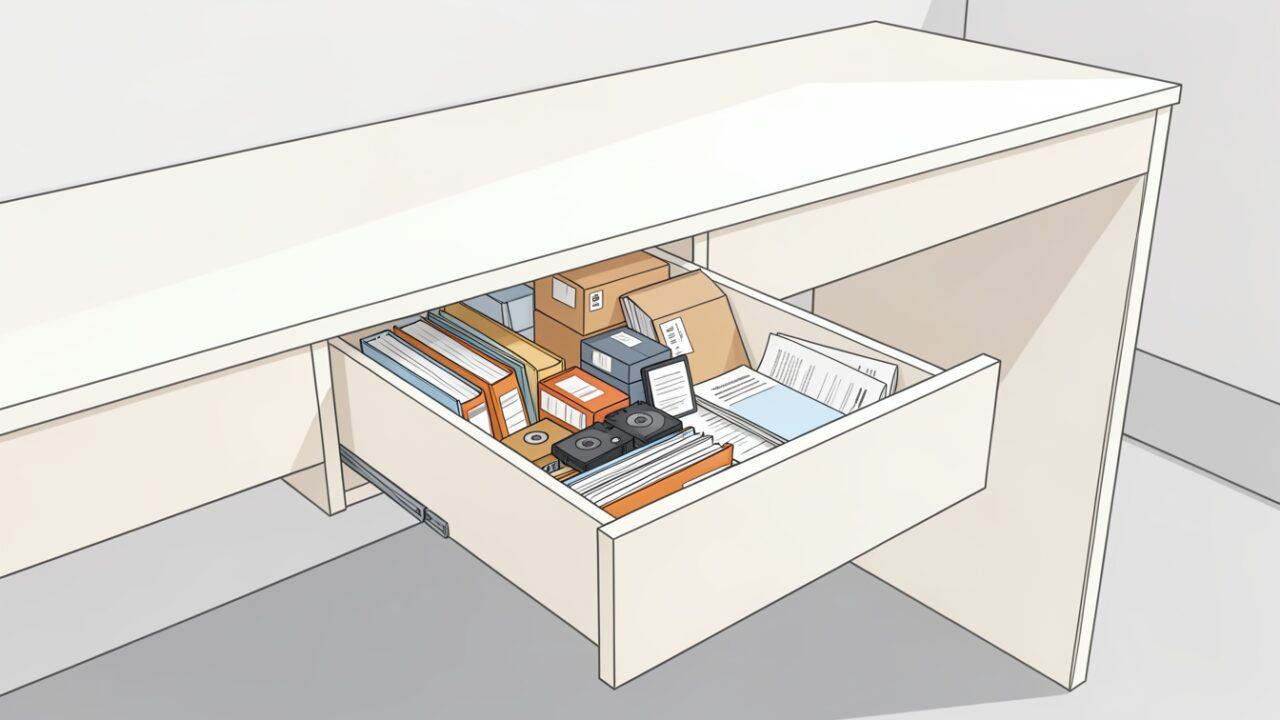
OneDrive was never a warehouse. It’s a desk drawer.
Think about what OneDrive actually is. It’s the personal working storage attached to one human’s identity. It syncs to their laptop. It’s governed by their lifecycle — when they leave, the account goes into a retention window and then it’s gone. It’s the desk drawer next to where someone works: brilliant for the files you’re touching this quarter, terrible as the corporate archive.
Now look at what the 25 TB accounts were actually holding. In the tenants I’ve poked at, the giant OneDrives fall into three buckets, and every one of them is the wrong fit for that neighbourhood:
- PST email archives. Someone dragged decades of
.pstfiles into OneDrive because “it’s backed up now.” It isn’t backed up in any sense a compliance officer would accept, and a multi-gigabyte PST syncing over the OneDrive client is a support ticket waiting to happen. - Video libraries. Raw footage, training recordings, event captures. Genuinely large, genuinely valuable, and genuinely something multiple people need — which is the definition of a thing that should not live behind one person’s login.
- Litigation and retention holds. This is the one that should make you put your coffee down. Content preserved under an eDiscovery hold or a Purview retention policy, sitting in a personal OneDrive, counted against a 25 TB quota that Microsoft is now shrinking.
Here’s the part everyone’s skipping past — and I want to be precise about where this comes from, because the Office365itpros piece doesn’t address hold behaviour at all. This is my read based on how retention and eDiscovery holds normally work in Microsoft 365, not something Microsoft has stated about this specific quota clampdown. So treat it as an informed inference and verify against your own tenant before you bet a legal matter on it. Under that normal behaviour, a storage quota governs how much a site can grow; it isn’t a delete instruction. When a OneDrive is under an eDiscovery hold or a Purview retention policy, content the user changes or deletes is copied into the Preservation Hold Library, and that library exists precisely so preservation survives whatever the user does. Lowering the quota ceiling doesn’t reach into that library and purge it — what a full quota does is stop new uploads once you’re over the line. If that model holds in your environment, the immediate disaster (“Microsoft is deleting my evidence!”) is largely imaginary. The actual disaster is slower and more embarrassing: an account that can’t accept new files, a user who can’t save their work, and a compliance dataset stranded in a container you were told to make smaller. You don’t lose the data. You lose the ability to operate the account normally, which in a live matter is its own kind of bad. Confirm the hold state before you touch a single quota — don’t take my word for it, and don’t take a vendor’s either.
Find out where you actually stand before you panic
Opinions are cheap; your quota report isn’t. Before deciding whether this affects you, get the numbers. In the SharePoint admin center that’s Active sites, filter by Storage used — but personal OneDrive sites live under More features → OneDrive → open the OneDrive admin experience, and honestly the console paging is miserable for this. Use PowerShell.
This is read-only. It won’t change anything. It just tells you who’s above the new ceiling.
The column that matters most is UsedOverCeil — accounts already storing more than 5 TB. Those are your real problem cases, because those users are the ones who’ll hit a wall. An account with a 25 TB quota holding 400 GB is just a config value to fix; nobody feels it.
Where the data should actually go
The reflex answer this week has been “buy third-party backup,” and I want to push back on that too, because it treats a placement problem as a backup problem. Backup is for recovery. It doesn’t fix the fact that the content is sitting in the wrong architectural tier. Match the data to the right home first:
- Shared or large content → a SharePoint document library. Team storage is pooled at the tenant level, not capped per user, and each site collection scales far past what any single person needs. Video libraries in particular belong here — better sharing, better lifecycle, and you can point Stream at them.
- Bulk cold data / departmental file shares → Azure Files or Azure Blob. If it’s rarely touched and just needs to exist, a real storage account with cool or archive tiers costs a fraction of what you’re mentally assigning to it, and it isn’t tied to someone’s employment status.
- PST archives → import into Exchange Online, don’t store as files. Use the Purview PST import service to land that mail in a proper mailbox or archive mailbox, where it’s searchable, holdable, and governed. A PST file in OneDrive satisfies exactly none of those.
- Genuine junk → delete it. Unglamorous, and the fastest win. A meaningful slice of every oversized OneDrive is duplicate footage, old ISO downloads, and someone’s Steam library. Reviewed cleanup beats any migration project.
If you do need to bring a quota down after moving content off, do it deliberately — from a reviewed list, never straight off a live query. Notice this reads from your audited CSV and defaults to a dry run:
The timeline, honestly
I’m not going to hand you a hard cutoff date, because the reporting doesn’t give a clean one and inventing one would be worse than admitting the gap. Here’s what I can and can’t stand behind. The Office365itpros piece establishes that enforcement is happening — that Microsoft is applying the 5 TB limit and reducing previously expanded accounts. What it does not publish is a single global deadline. My assumption that this rolls out tenant by tenant rather than as one switch flipped on a published day is exactly that — an assumption, based on how Microsoft usually stages changes of this blast radius, not a rollout schedule the source confirms. Don’t plan around it as fact. Do treat the absence of a published date as runway rather than reassurance: run the audit this week, triage the UsedOverCeil accounts, and start with the two categories that carry legal weight — anything under hold, and anything holding PSTs.
Be angry at the reversal if you followed the official process; that’s earned. But don’t let the anger talk you into rebuilding the same mistake somewhere else. The 5 TB ceiling is Microsoft finally admitting a personal sync folder was never meant to be the corporate archive. They’re right about that part. The desk drawer was always going to fill up.