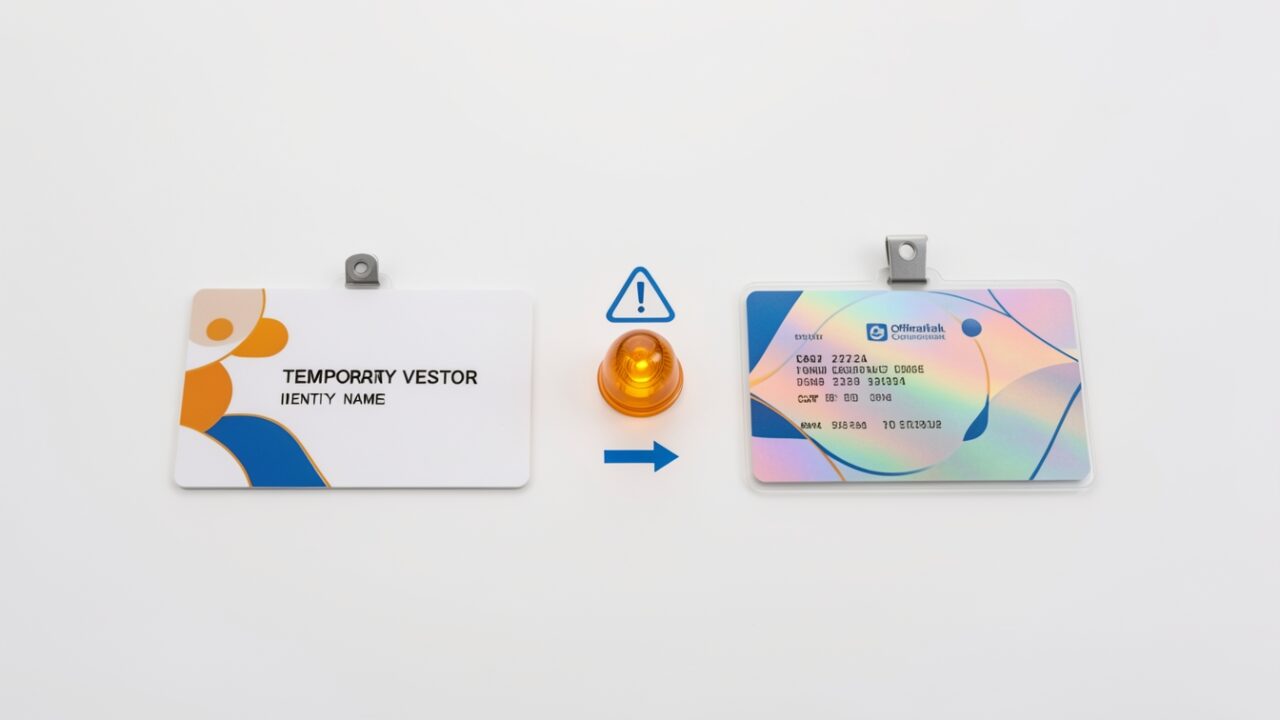
The attack has been the same for years. Someone external joins your all-hands as “Sarah Chen — CFO,” the display name matches the real exec closely enough that nobody looks twice, and two minutes later a finance analyst is on a breakout call being talked into a wire transfer. Teams never had a native control for it. You got a lobby, an external badge, and the hope that somebody noticed the little “External” tag before the damage was done.
Roadmap ID 573157 is Microsoft’s first swing at this: Impersonation Protection for Teams meetings, surfacing an in-meeting warning when a participant or organizer’s display name doesn’t line up with their verified Entra identity. It’s rolling out. The roadmap entry is the only firm thing to point at — it describes the what, not the how — so everything below about the mechanism is my read on how an Entra-backed identity check would have to work, not documented behaviour. Where I’m inferring, I’ve said so. Before you tell your security team the problem is solved, three things are worth getting straight.
One: it checks the name against the identity, not the identity against reality. The mechanism, as described, is a comparison. Teams takes the display name a participant presents and weighs it against the verified identity behind their authenticated Entra account. The roadmap doesn’t list the attributes, but a check like this would typically draw on verified attributes such as the UPN, the directory display name, and the home tenant the account actually belongs to. A mismatch, or a lookalike that’s suspiciously close to a known internal name, is what you’d expect to trip the flag. That’s the useful part: an external user who sets their display name to mimic your CFO gets caught because their verified identity says otherwise. What it does not do is vouch for anyone. A genuinely compromised internal account with a perfectly matching name and UPN sails through clean, because nothing is mismatched. The warning is about spoofed names, not spoofed people. Those are different problems and this solves exactly one of them.
Two: the people who most need the warning are the people least covered by it. This works best when there’s a verified identity to compare against — your own authenticated users, and federated or B2B guests whose home tenant Teams can actually resolve. Anonymous join is the soft spot. Someone who dials in or joins by link without authenticating would likely have no verified identity to check their display name against, so there’d be nothing to mismatch. The roadmap doesn’t spell this out, but it’s hard to see how a comparison against a directory record works for a participant who never touched the directory. If your meeting policy allows anonymous participants — and plenty do, for customer calls and webinars — the exact scenario you bought this for may still walk in the front door under a fake name. Don’t assume blanket coverage. Assume coverage scales with how much you’ve already locked down who can authenticate into the meeting, and confirm the anonymous-join behaviour in your own tenant before you rely on it.
Three: it’s a label, not a gate — and that’s the part people will misread. This is where it differs from the controls you already run. Your lobby decides who gets in. External access and federation settings decide who can connect at all. Impersonation Protection does neither. It admits the person and then shows a warning — expected to surface as an in-meeting banner or similar prompt to participants and the organizer, though Microsoft hasn’t published the UI yet, so confirm what it actually looks like when it lands. The enforcement is a human noticing and acting. That’s genuinely better than nothing, because right now nothing is what you have. But a warning that depends on a distracted employee reading a banner at 9 a.m. on a 40-person call is a detection layer, not a prevention layer. Treat it as the thing that makes your lobby discipline matter more, not less.
On the admin side, expect configuration in the Teams admin center and the usual question of tenant-wide versus per-policy scope — and the equally usual question of whether it rides your existing licence or wants an E5 or security add-on. The roadmap doesn’t pin those down, so I’m not going to pretend it does. When it reaches your tenant, confirm the admin-center location, the policy granularity, and the licence requirement in your own environment before you write it into a standard. Microsoft has quietly tied features to add-ons after a roadmap entry implied otherwise more than once.
Turn it on. It closes a gap that’s been open for years. Just don’t tell the finance team the lookalike-CFO problem is handled — tell them there’s now a sign on the wall, and they still have to read it.