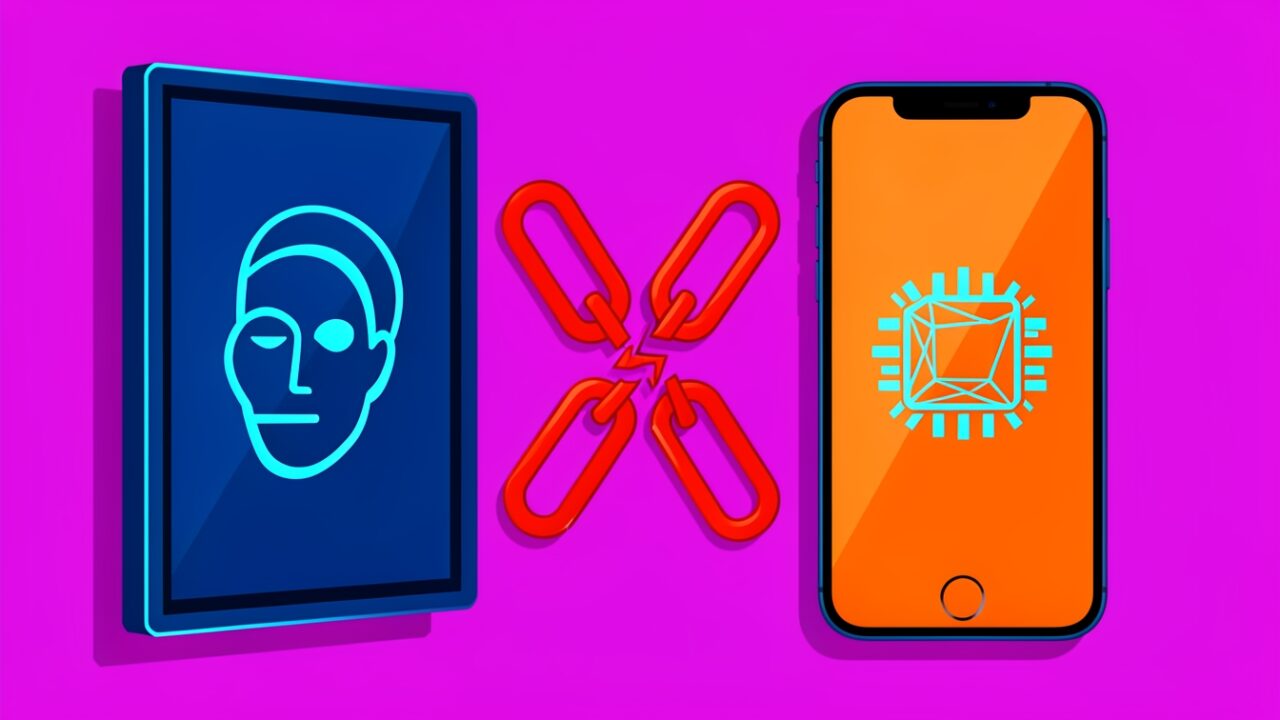
Apple shipped a camera that looks at your face and unlocks your house, then declined to say where the match actually happens. The launch-day reviews noticed the face recognition and the “heavy iPhone dependency,” filed both under features, and moved on. Fine for a consumer gadget. Useless if you’re trying to decide whether this thing can live on a wall in a shared office.
The load-bearing claim, Apple’s, implicitly, and every reviewer’s explicitly, is that HomeView authenticates you by your face. That phrasing smuggles in a lot. It implies a biometric authenticator in the Face ID sense: a cryptographic 1:1 verification bound to hardware you own. I spent a day trying to reason about HomeView as if that claim were true and deployable at work. Three things broke.
Does the match happen on the device, or on your phone?
This is the first fracture, and nobody has answered it on the record. Face ID, as Apple has documented for years, works one way: the TrueDepth camera builds a mathematical representation of your face, that representation is encrypted and stored only in the Secure Enclave, it never leaves the device, and it is never written to iCloud or a backup. No app, not even a system app, reads the template. The Enclave answers one question: yes or no.
HomeView’s reviews describe something that sounds superficially similar and is architecturally different. If the glass panel on your wall has its own Secure Enclave and does the match locally, it’s a standalone biometric device and the iPhone dependency is about setup and account linkage. If it doesn’t, if the capture happens on the panel and the decision is relayed to a paired iPhone’s Enclave over an encrypted session, then the panel is a terminal and the iPhone is the authenticator. Those are two completely different threat models wearing the same marketing word.
Apple hasn’t said which it is. The developer release notes published the day before launch don’t expose a HomeView biometric surface at all, no new LocalAuthentication policy, no entitlement, nothing a third party could call. That silence is itself information. When Apple ships a real local authenticator, developers get an API to bind to it. Here, there’s nothing to bind to. Which brings us to the distinction that actually matters.
Is this Face ID, or is it face recognition?
These are not the same thing and the gap between them is where the enterprise story dies.
Face ID is verification: one enrolled identity, a 1:1 comparison, cryptographic keys in the Secure Enclave that only release when the match succeeds. On iPhone and iPad it enrolls exactly one face plus an alternate appearance. One person. By design. That constraint isn’t a limitation Apple forgot to lift, it’s what makes Face ID an authenticator instead of a party trick.
What HomeView appears designed to do, recognize multiple household members, based on its positioning as a shared household device, is identification: a 1:N match against a gallery of enrolled faces. That’s the Photos “people” album, not Face ID. It’s a convenience classifier. It answers “who is probably standing here,” not “prove you hold the key.” Apple has never bound credentials to a 1:N face classifier, and there’s a good reason: 1:N identification has a structurally higher false-accept surface than 1:1 verification, and it degrades as the gallery grows. A smart display that can tell your kids apart is a lovely feature. It is not the thing you gate a payment or a door lock on, and Apple knows it, which is why sensitive actions still fall back to your iPhone.
So when a reviewer writes “HomeView authenticates you by your face,” the honest translation is: HomeView recognises you by your face for low-stakes personalisation, and authenticates you by borrowing the Secure Enclave in your pocket. The face is the greeting. The phone is the lock.
Can you put a Managed Apple ID on it?
Here’s where I stopped speculating and started checking what the platform even permits. For a device to be enterprise-deployable you need three things Apple has well-defined mechanisms for: supervision via Automated Device Enrollment in Apple Business Manager, a Managed Apple ID as the signed-in identity (ideally federated to Entra ID or Google Workspace), and declarative device management to hold configuration.
None of those appear in HomeView’s launch surface. There’s no ABM device class for it, no MDM enrollment path, no indication a Managed Apple ID can even sign in, and Managed Apple IDs already carry a long list of restrictions on consumer-flavoured features. A device whose core identity model is “pair it to a personal iPhone signed into a personal Apple ID” is, by construction, the opposite of a shared managed endpoint.
Contrast what a real managed deployment expects to assert. On a Mac you’d stand up Platform SSO and let the directory credential drive device unlock; on an iPad you’d drop a profile that pins enrollment and identity:
There is no equivalent story for HomeView because there is no managed identity to attach one to. The binding Apple actually ships for biometric credentials lives in the keychain, and it’s per-device, per-enrolled-biometric:
.biometryCurrentSet is the whole point: the credential dies if the enrolled biometric changes, and it can’t leave the Enclave that minted it. That model does not stretch to a shared wall panel recognising five faces. It was never meant to.
What bites someone in six months?
The privacy posture is the part I’d actually defend. If HomeView follows Apple’s established pattern, and the iPhone dependency suggests it does, the face templates stay on-device, encrypted, out of iCloud, out of backups. That’s the right call and it’s consistent with how Face ID and the Photos people classifier already behave. I have no evidence of relay to Apple’s servers, and I’m not going to invent any.
The bite is organisational, not cryptographic. A facilities manager is going to see “Apple smart display with facial recognition” on a slide and assume it slots into the same MDM fleet as the iPads in the lobby. It doesn’t. It assumes a personal Apple ID and a personal iPhone within Bluetooth range as the root of trust. The moment you try to deploy it on shared infrastructure, you’re asking an employee to pair the office hardware to their personal phone and personal account, which is a compliance finding, not a config step. And when that employee leaves, their face, their pairing, and the sensitive-action fallback walk out the door with the handset.
So here’s the verdict, more precise than the claim I started with. HomeView doesn’t authenticate you by your face. It recognises you by your face and authenticates through an iPhone you personally own. For a household that’s an elegant division of labour. For an enterprise it’s three dead ends: no local authenticator to attest to, no Managed Apple ID to sign in, no MDM to hold it. The architecture isn’t opaque because Apple is hiding something clever. It’s opaque because the enterprise answers are all “no,” and nobody writes a press release about that.