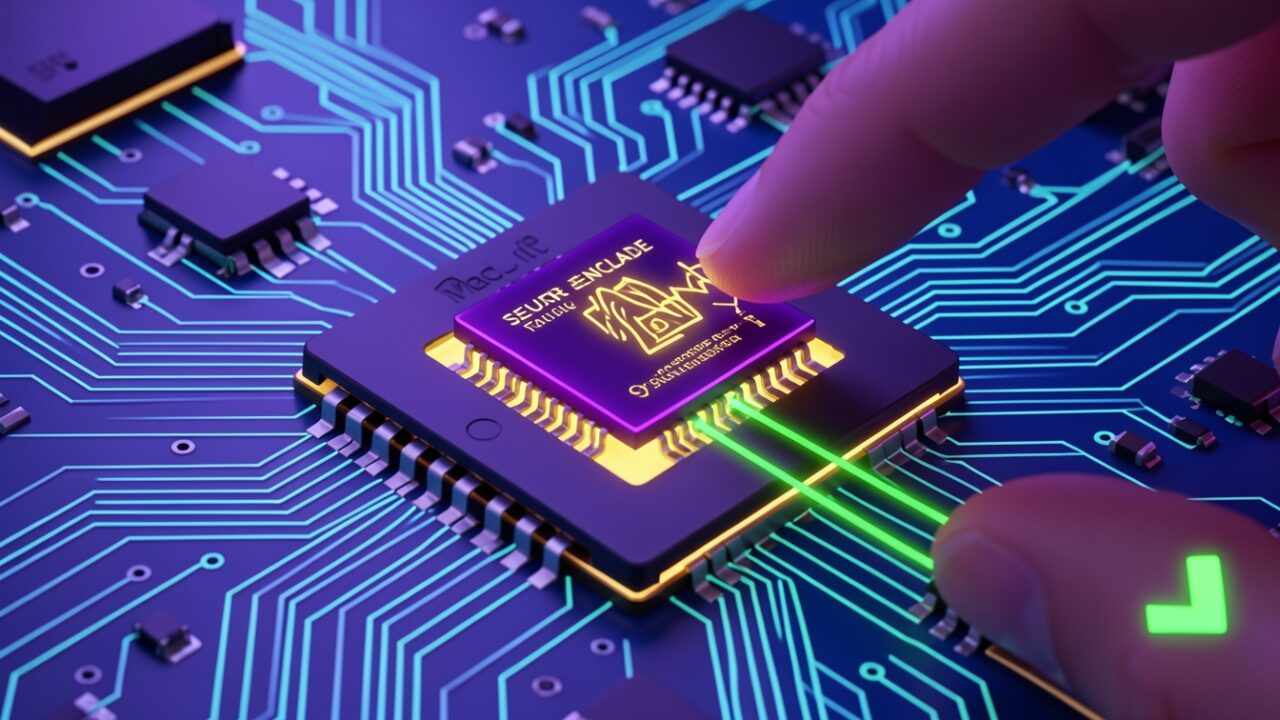
Your fingerprint never leaves the Mac. Not encrypted, not hashed-and-sent, not “transmitted securely to Apple.” It never travels at all. That one fact clears up about eighty percent of the confusion I hear about Touch ID, so let’s start there and build up.
Here’s the honest news peg, stated plainly so you can check it yourself. The November 2026 Hello Developer newsletter lists “Touch on Mac” as one topic among several, a short phrase in a roundup, with no framework name beside it, no OS version, no code sample, and no link to documentation. That’s it. That’s the whole artifact. The phrase is vague enough that it could even mean literal touchscreen input rather than Touch ID biometrics; the newsletter doesn’t say. Reverse-engineering a roadmap out of two words is a mug’s game, so I’m not going to pretend I decoded one.
Instead I’ll explain the thing most people actually mean when they say “touch on a Mac”: what a finger on the sensor does, mechanically, for anyone building authentication on top of it. That part is well-documented and stable, the details below come from Apple’s LocalAuthentication and Security framework references and the Apple Platform Security guide, not from the newsletter. I’m not decoding the bullet. I’m explaining the mechanism it gestures at, because most people get it wrong.
The sensor is a bouncer, not a mail carrier
Picture passport control at an airport. You hold up your passport, the officer glances at your face, and says one of two words: “yes” or “no.” The officer does not photocopy your passport and fax it to head office. The document stays in your hand. All that crosses the desk is a verdict.
That’s the Touch ID sensor. When you rest a finger on it, the image is read and matched inside a dedicated chip called the Secure Enclave, a separate processor with its own memory that the main macOS system cannot read into. On a MacBook that’s the Touch ID key; on a desktop it’s the Magic Keyboard with Touch ID, which pairs cryptographically with the Mac so the match still happens in hardware the OS can’t peer inside. The fingerprint template lives there and nowhere else. The rest of the operating system, your app included, only ever receives the verdict: a boolean. (The Apple Platform Security guide spells this out if you want the primary source.)
So the first correction: Touch ID does not “log you in” to anything. It can’t. It has no idea what a server is. It’s a light switch, not the electricity.
What the “yes” is actually permission to do
If all you get back is true, that’s not worth much on its own, an attacker who owns your process can fake a boolean. The real value is that a successful match lets the Secure Enclave release or use a cryptographic key that’s locked inside it. The finger is the key to the drawer; the signing key is the wax-seal stamp in the drawer. Touch ID opens the drawer. The stamp does the work that a server can actually verify.
In code, the simplest form is the LocalAuthentication framework. This is the “just give me a yes/no” path, fine for gating a local action like revealing stored notes or confirming a payment:
Before the “what version?” question lands: none of this is new, and that’s the point. LAContext.evaluatePolicy has shipped since macOS 10.10 and iOS 8; the Secure Enclave key path below has existed since macOS 10.12.1 and iOS 9. It all compiles and runs unchanged on macOS 15 (Sequoia), iOS 18, and the current releases. If “Touch on Mac” were a breaking API change, there’d be a deprecation notice and a version gate somewhere. There isn’t one in the newsletter, because there’s nothing in the newsletter.
Two things practitioners miss. First, .deviceOwnerAuthenticationWithBiometrics is biometrics-only; if you want the system to fall back to the login password when the finger fails, use .deviceOwnerAuthentication instead. Second, canEvaluatePolicy returning false is not an error, it’s the normal answer on a Mac with no Touch ID hardware, or where a user hasn’t enrolled a print. Treat it as a branch, not an exception.
The part that actually resists attackers
The boolean is theatre unless it’s wired to a key. The grown-up pattern is to generate a private key inside the Secure Enclave and attach an access-control rule: this key cannot be used until a biometric match happens. The key is never extractable, not by your app, not by root, not by anyone who steals the disk.
This is standard Security-framework behavior, documented under SecAccessControlCreateWithFlags and kSecAttrTokenIDSecureEnclave, and it runs on the same OS floor as above. Now a successful Touch ID match is the only way to produce a signature with that key, and the signature is something your server can verify against the public half. The finger finally means something off-device.
Here’s the flag that bites people in six months. .biometryCurrentSet binds the key to the exact set of fingerprints enrolled at creation time. (It was called .touchIDCurrentSet before macOS 10.13.4; same behavior.) Add a new finger in System Settings, or re-enroll after a repair, and the key is permanently invalidated, gone, by design, because the system can’t tell an authorised new finger from an attacker’s. Users experience this as “the app suddenly logged me out and won’t let me back in.” If you’d rather the key survive enrollment changes, use .biometryAny, weaker, but it won’t generate a support ticket every time someone adds a thumb. Choose deliberately. The default people copy from Stack Overflow is usually the wrong one for their threat model.
Where passkeys fit, and where Touch ID doesn’t do what you think
When you create or use a passkey on a Mac, Touch ID is the “user verification” gesture, the system confirming a human, specifically this human, is present before the private key signs the login challenge. Same mechanism: the finger unlocks a key, the key does the cryptography.
But a subtlety trips teams up constantly, and this one you should not take on my word alone, it’s in the Apple Platform Security guide, under iCloud Keychain and passkeys. The private key for an iCloud Keychain passkey is not sealed in the Secure Enclave the way my earlier example is. iCloud Keychain passkeys sync across your Apple devices, which means they’re protected by iCloud Keychain’s end-to-end encryption rather than bolted to one chip. Touch ID gates access to them; it isn’t the thing making them non-exportable. If your security model assumed “passkey = hardware-bound to this one Mac,” it doesn’t, that’s the trade for the passkey appearing on your iPhone too. Device-bound keys are a different, opt-in construct, and the WebAuthn layer exposes hints about which you’re getting. Read the guide before you write “hardware-bound” into a compliance doc.
Can IT turn it off? Sort of, bluntly
Yes, there’s an MDM lever, and it’s a hammer. The Restrictions payload (com.apple.applicationaccess) carries a key that governs biometric unlock, it’s listed in Apple’s Device Management documentation, the configuration profile / Restrictions payload reference:
Set that and you disable Touch ID for unlocking the device. What you don’t get is a clean per-app kill switch for every evaluatePolicy call in third-party software, the restriction is coarse, aimed at device unlock, and shouldn’t be mistaken for fine-grained control over how apps use biometrics. If your compliance story depends on “no biometrics anywhere, ever,” test the actual behaviour on the actual OS build before you write it into a policy document. Blunt instruments either over-reach or under-deliver, and you want to know which before an auditor does.
For the enterprise crowd: the most interesting place a finger on a Mac shows up isn’t an app at all, it’s Platform SSO, where the Secure Enclave can hold a device key that Touch ID unlocks to satisfy your identity provider. Same drawer, same stamp, different lock on the door. If “Touch on Mac” in that newsletter ever grows into real documentation with an API name attached, that’s the corner of the platform I’d watch, because it’s where the local gesture meets the corporate directory.
Until Apple publishes something with a framework and a version number, that’s the honest shape of it. A finger on a Mac is a bouncer saying “yes,” which unlocks a key, which signs something a server can trust. Everything useful you’ll build sits in that chain, and everything that breaks will be a flag you set without reading twice.