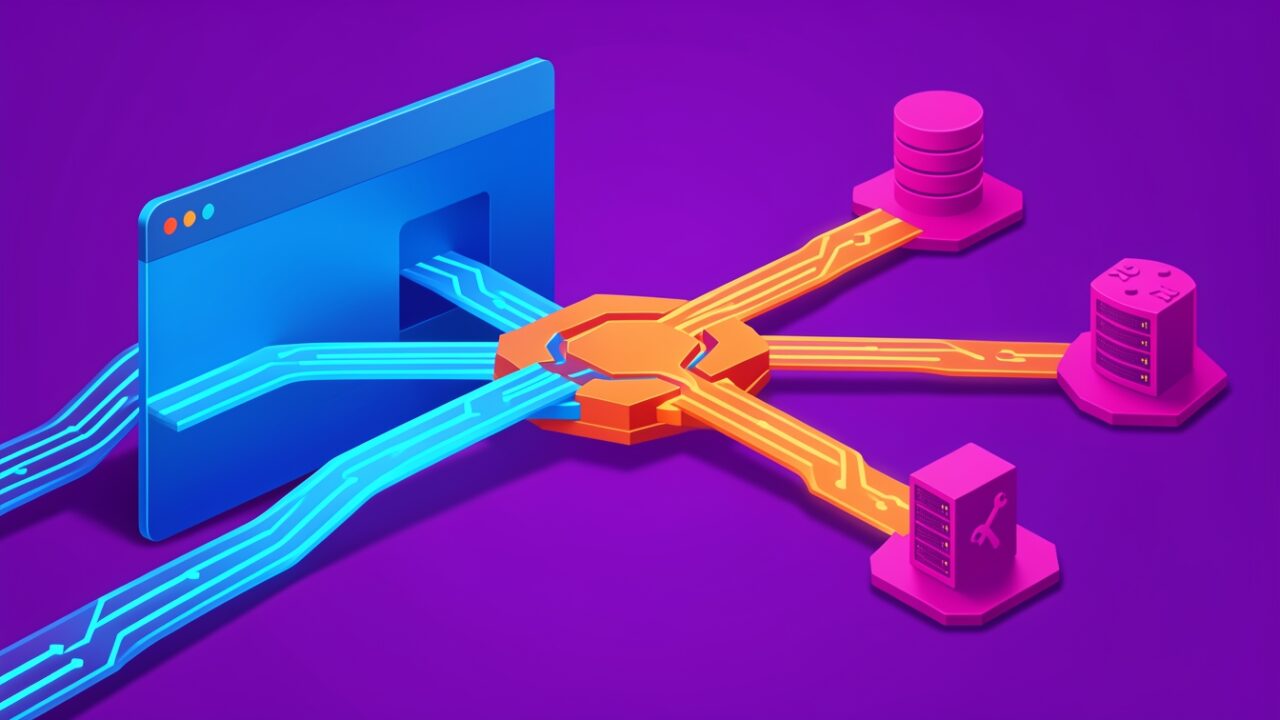
The worst part of private access was never the tunnel. It was the install.
Every VPN story and every “zero trust network access” rollout I’ve watched eventually drowns in the same swamp: an agent that has to land on every laptop, survive every OS update, fight every other security tool for the network stack, and then get uninstalled from the one contractor’s machine you forgot about. You don’t manage the connection. You manage the client. Forever.
So when Microsoft announced at Ignite 2026 that Global Secure Access can run inside Microsoft Edge, no separate client, no VPN, just the browser you already deploy, my first reaction was interest. My second was the reflex every researcher develops after enough incidents: okay, what did they have to give up to do that?
Let me build this from the ground up, because the mechanism is the whole story. If you understand where the traffic goes, you’ll understand the limits without anyone having to list them.
First, what “private app” even means here
A private app is anything that lives inside your network and isn’t published to the public internet. An internal wiki on wiki.corp.local. A finance web app reachable only from the office LAN. A line-of-business tool nobody wanted to expose through a public URL. Historically you reached these from home by firing up a VPN, which dumped your whole laptop onto the corporate network and let you route to anything.
Global Secure Access (GSA) is Microsoft’s answer to that bluntness. Instead of putting your device on the network, it brokers access to specific applications. You define an app, a hostname, a port range, and GSA builds a path to it on demand, for the users you’ve authorised, after checking the conditions you set. That’s the “zero trust” pitch: no implicit network access, just per-app brokering with identity in the middle.
Until now, that brokering was done by the GSA client, an agent you installed on each machine. It captured traffic destined for your private apps and tunnelled it up to Microsoft’s edge, which forwarded it through a lightweight on-prem component (the private network connector) to the actual app. Good model. Still a client to deploy.
The new trick: the browser becomes the tunnel
What changed at Ignite is where the brokering happens. With GSA built into Edge, the browser itself does the job the client used to do, but only for traffic that flows through the browser, which means web apps over HTTP and HTTPS.
Walk the path with me. A user on a managed device opens Edge and browses to an internal app. Edge recognises that hostname as a GSA-published private app. Before any request reaches the app, Edge hands the user off to Entra ID to authenticate, and this is where Conditional Access gets to speak. Is the device compliant or Entra-joined? Is the sign-in risk acceptable? Has the user done MFA? If the policy says no, the request dies right there, before a single packet reaches your network.
If the policy says yes, Edge establishes an authenticated connection up to the Global Secure Access service in Microsoft’s cloud. From there the traffic rides through your private network connector to the app, and the response comes back the same way. The tunnel terminates at the GSA edge, not on the user’s machine the way a VPN would, the browser is a participant, not a network interface.
The old client was a gate in front of the whole house. GSA-in-Edge is a gate in front of one specific room, and the gate is the browser. If you didn’t walk in through that door, the room doesn’t exist to you.
And that’s exactly where the limits come from
The elegance is the constraint. Because the mechanism lives inside Edge, it only governs what Edge handles. So, in preview:
- Edge only. Not Chrome, not Firefox, not Safari, not a native desktop app. If the request doesn’t originate in Edge, GSA-in-Edge never sees it.
- HTTP/S only. Web apps. That’s it in preview. RDP, SSH, SMB file shares, thick-client database connections, none of those travel through the browser, so none of them are covered here. If you need those, you’re still deploying the standalone GSA client. Don’t let anyone tell you otherwise; the announcement doesn’t claim them, and I’m not going to invent protocols to make the story bigger.
- Managed, trusted devices. The whole value proposition rests on the device being Entra-joined or compliant and on Conditional Access actually enforcing that. The browser is doing privileged work; you want to know whose browser it is.
Treat the word “preview” as load-bearing. Features move, UI shifts, and nothing here carries a general-availability commitment. I’m not going to guess a GA date, and you shouldn’t build a rollout plan that assumes one.
What you actually configure in the Entra admin center
Three things have to be true, and they’re in three different places. Verify each one before you tell anyone it works.
1. Global Secure Access is set up. Under Global Secure Access in the Entra admin center, Private Access has to be enabled and you need at least one healthy private network connector reaching the target app’s network. No connector, no path. Check Connect → Connectors for green health before you blame anything else.
2. The private app is published and assigned. Under Global Secure Access → Applications → Enterprise applications, your app is defined with its internal FQDN and ports, and users or groups are explicitly assigned. GSA honours assignment, an unassigned user gets nothing, which is the behaviour you want.
3. Conditional Access targets it. This is the part people skip and regret. The security of this whole arrangement is your Conditional Access policy, nothing more. Require a compliant or Entra-joined device. Require MFA. Scope it to the right users. If your CA policy is loose, GSA-in-Edge is loose, full stop. The browser doesn’t add trust; it enforces whatever trust you configured.
Before you flip anything on, audit which policies currently touch Global Secure Access targets so you know what you’re walking into. This is read-only, run it, read it, then decide:
That last comment isn’t boilerplate. The failure mode with Conditional Access isn’t a hacker, it’s an admin with a foreach loop and too much confidence enabling a policy that locks out half the tenant at 5 p.m. on a Friday. Review the input. Dry-run the change.
How it stacks up against the client and the VPN
Against a traditional VPN, this isn’t close on architecture. A VPN puts the device on the network and trusts it broadly; GSA-in-Edge brokers one web app at a time behind Conditional Access and never grants network-level reach. Fewer places for a compromised laptop to wander. But a VPN carries everything, RDP, file shares, that ancient TCP app from 2009, and GSA-in-Edge carries web traffic in a browser. Different tools.
Against the standalone GSA client, the trade is sharper and more honest: you give up protocol coverage and OS-level capture, and you get zero client deployment in return. For a workforce whose private apps are all internal web apps, and a surprising number of orgs are exactly that, removing the agent from the equation is a real operational win. For anyone touching RDP or SSH, the client isn’t going anywhere.
Here’s what the launch post won’t dwell on: moving the enforcement point into the browser makes the browser a higher-value target and makes your Edge management posture part of your access-control posture. Session handling, extension governance, whether an attacker who lands in that browser context can ride an already-authenticated session to an internal app, those become security questions you now own. None of them are reasons not to use it. They’re reasons to configure it like it matters.
I came in cynical and left mostly convinced, for the narrow thing it does. No client to chase across a fleet, access gated on identity and device, private apps that simply aren’t reachable without walking through the front door you control. Just remember what the door is. It’s Edge, it’s web traffic, it’s preview, and the lock is still only as good as the Conditional Access policy behind it.