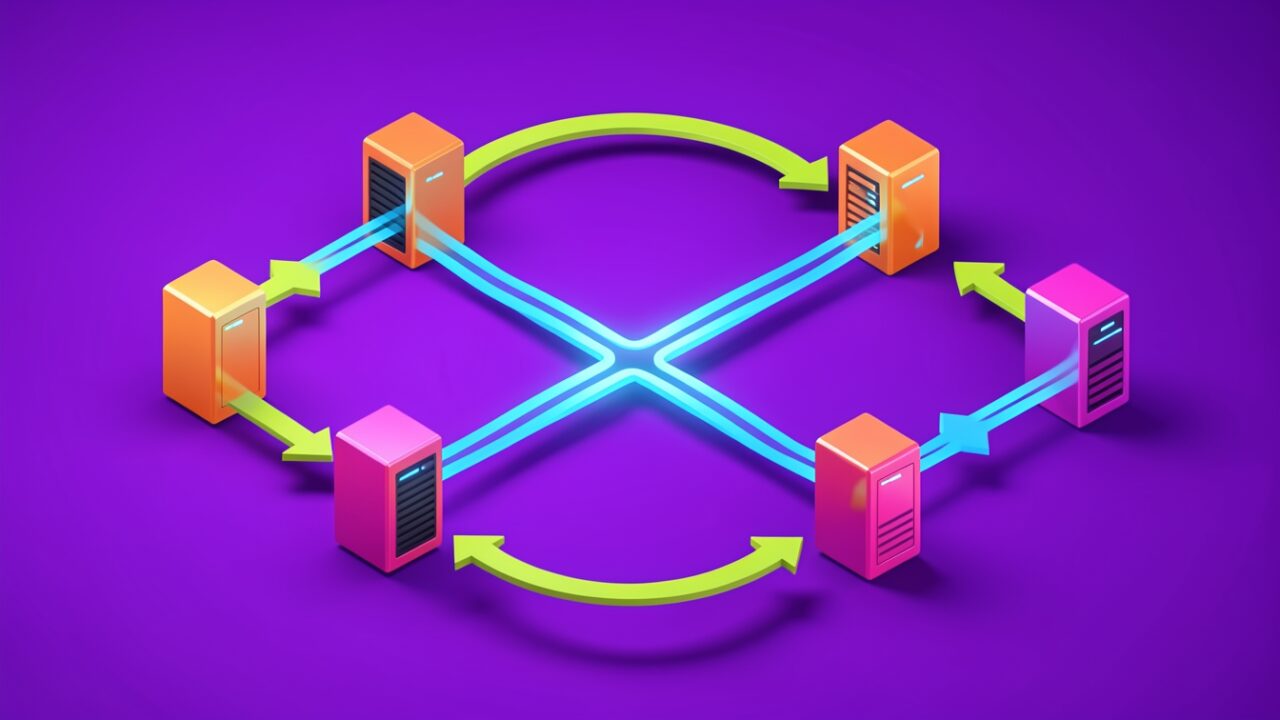
The take spreading through every network-architecture Slack this week is that ECMP for user-defined routes finally lets you delete the internal load balancer sitting in front of your firewall pool. One route, two-to-sixteen next-hops, platform handles the spread. Clean.
That take is half right and dangerous in the half it gets wrong.
Start with the part that’s genuinely true, because it is. For years an Azure UDR accepted exactly one next-hop. If you wanted traffic spread across redundant NVAs, you had two ugly options: split your route table into contrived prefixes and pin each to a different appliance, or stand up an internal load balancer with HA ports and point the route at its frontend. On-prem engineers have had equal-cost multi-path in their routers since the Clinton administration, and they’ve rightly found Azure’s single-next-hop rule faintly embarrassing. ECMP in public preview closes that gap. Multiple next-hops in one route entry, distributed at the platform layer. If your appliances are stateless, or share session state, this is a real simplification and you should be pleased.
Here’s the problem, and it’s not an Azure quirk, it’s how ECMP works anywhere. Traffic is spread per-flow, typically by hashing the packet’s address/port tuple, so a given connection pins to one next-hop. The catch lives in the return path. A packet going out hashes to firewall 3. The return packet, with source and destination swapped, can hash to firewall 7. Firewall 7 has never seen that TCP session, so it drops the packet as out-of-state. Congratulations: you’ve built asymmetric routing, the oldest footgun in stateful networking, and ECMP handed you the gun with a bow on it. Don’t take my word for the exact hash inputs or any session-affinity knobs, confirm those against the preview update notes for your region, because that’s the kind of detail that shifts during preview.
This is exactly the problem an internal load balancer with HA ports and floating IP was solving. It keeps the two halves of a flow landing on the same backend. Raw ECMP across a pool of independent, non-state-synced firewalls does not, not unless the appliances replicate session state between themselves, which is a vendor feature you have to turn on and license, not an Azure one. Palo Alto, Fortinet, Check Point and friends all have active/active or cluster modes that make this safe. Whether your deployment has it configured is the question that decides if ECMP is an upgrade or an outage generator.
The second thing worth saying plainly: a UDR is a static route, and static routes don’t health-probe. They never have, and nothing in the preview material promises ECMP changes that. A load balancer knows when a backend stops answering and stops sending it traffic. An ECMP route is a static list, put a dead VM NIC among your sixteen next-hops and, absent some platform-side withdrawal behaviour, a share of your traffic keeps cheerfully hashing into the void until something updates the table. Whether the platform withdraws a dead next-hop, and how fast, is precisely the thing you should measure rather than assume. This is preview; the answer may change, so test it in your region, not in a blog post’s.
What actually changes in your configs
Existing routes don’t migrate. A single-next-hop UDR stays exactly as it is, ECMP is additive, you opt in by giving a route more than one next-hop. Supported types match what you’d expect: VM NIC, internal load balancer frontend, and generic NVA virtual appliance IPs. Two next-hops minimum, sixteen maximum.
Inspect what you have before touching anything:
A word on the IaC shape, because I’d rather be honest than slick: at the time of writing, Microsoft hasn’t published a finalized ARM/Bicep schema for the multi-next-hop property, and I’m not going to invent a property name or a preview API version and have you paste it into a template that fails, or worse, one that silently applies the wrong thing to a default route. So treat the block below as a skeleton, not copy-paste. Pull the real preview API version and the actual property name from the update notes before you deploy.
And never apply it blind. What-if first, every time, because a wrong default route is a region-wide outage:
Build it in a spoke with synthetic traffic, kill a next-hop, watch what happens to established sessions. If flows survive, your appliances are sharing state and ECMP is the clean win everyone’s promising. If they don’t, you just learned why the load balancer was there, in the lab, where that lesson is free.