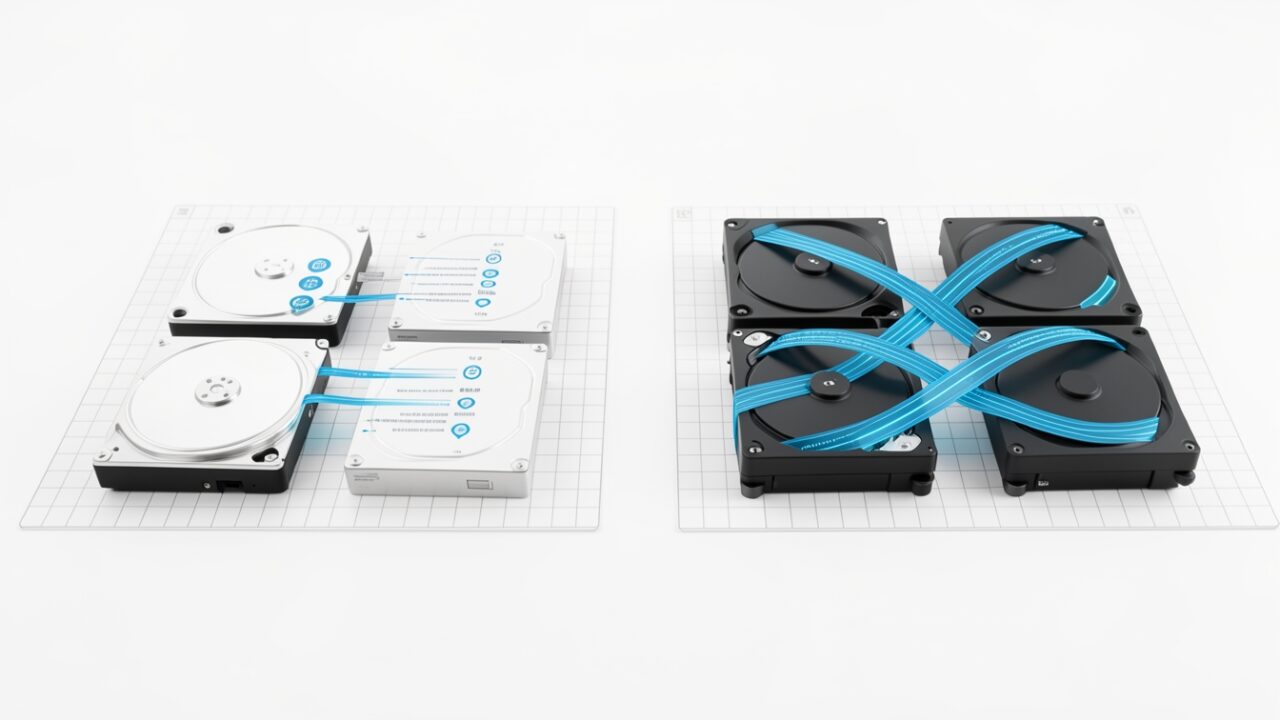
The worst part of a 2 a.m. restore was never the restore. It was the waiting. You’d trigger the operation, watch a snapshot crawl toward 100%, and only then get to start pulling the disk back into existence. Two serial operations stapled together, both counted against your RTO, both happening while someone in an incident bridge asked “any update?” every ninety seconds.
Microsoft just made that sequence parallel. Instant Access for VM restore points reached general availability, and the headline behaviour is simple: you can begin restoring a disk the moment the snapshot starts, rather than after it completes. The two operations overlap instead of queuing. That’s the whole trick, and it’s a genuinely good one.
Now the fine print, because there’s always fine print. This only works when your data disks are Premium SSD v2 or Ultra Disk. Not Premium SSD (v1). Not Standard SSD. Not Standard HDD. If your fleet is running the disk SKUs most people actually run — and let’s be honest, most fleets are still on plain Premium SSD because v2 and Ultra cost more and need more planning — this changes nothing for you today. Read the announcement’s “faster recovery” framing with that in mind. It’s true, conditionally, for a subset of workloads that were already paying a premium for I/O.
GA matters for the boring, important reason: it means you can put this in a runbook without a preview disclaimer haunting your change ticket. It’s production-supported now, not a “works on my subscription” experiment. If you’d been holding off wiring Instant Access into your DR automation because it was in preview, that excuse is gone.
Before you get excited, check what you’re actually running. The eligibility question is really a disk-SKU question, and you can answer it in one command instead of clicking through blades:
Anything showing PremiumV2_LRS or UltraSSD_LRS is a candidate. Everything else — Premium_LRS, StandardSSD_LRS, Standard_LRS — is not, no matter how the portal’s cheerful “restore point” UI makes it look. In PowerShell if that’s your world:
In the portal, the path is the same one you already know: the VM’s restore point collection under Backup + disaster recovery, then the individual restore point, where you kick off the disk restore. The disk type check happens on the source disk itself — Disks on the VM, or the disk resource’s Overview and Size + performance blades. There’s no separate “enable Instant Access” toggle to hunt for; eligibility follows the disk SKU.
On the numbers: I’m not going to hand you an RTO figure Microsoft didn’t publish, and neither should the marketing. The honest way to think about it is that you’re removing the snapshot-completion wait from the front of the critical path. How much wall-clock that saves depends entirely on the disk’s size and how much data changed — a lightly-churned 256 GiB volume and a hammered 32 TiB Ultra disk are not the same conversation. The saving scales with how long your snapshots take today. If your snapshots are fast, the win is modest. If they’re the thing that blows your recovery window, this is the feature you wanted.
Regional and SKU availability tends to trail the announcement, so verify in the exact region and disk configuration your production VMs live in before you promise anyone a number. Test the restore path in a non-prod subscription first — actually run it, don’t just read that it works. A DR feature you’ve never exercised is a rumour, not a control.
Good feature. Real improvement. Just check your disk SKUs before you rewrite the runbook, because the runbook is what you’ll be staring at when it’s dark out and the pager’s already gone off.