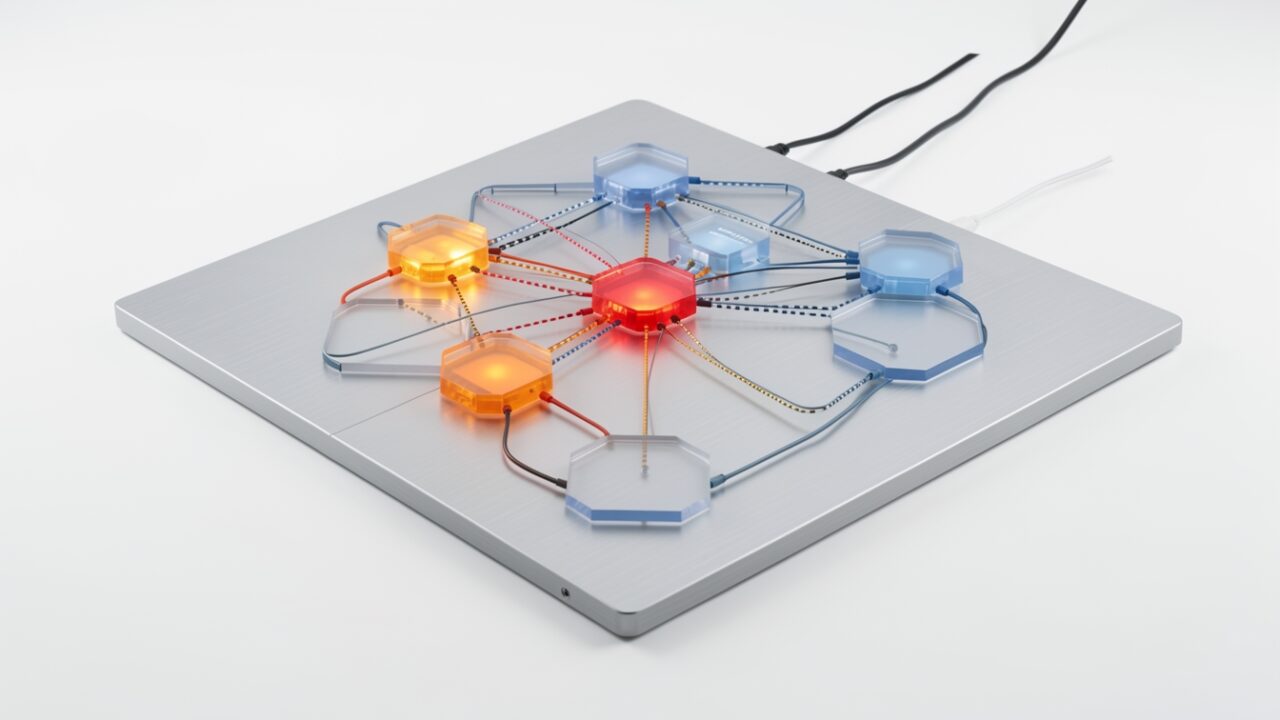
A single-region outage is a blown fuse. You know which breaker tripped, you flip to the other circuit, the lights come back. A network event that touches 19 regions at once is more like the water pressure dropping across half a city — nothing is obviously off, but everything downstream gets weird, slow, and intermittently wrong, and the map on the wall telling you where the problem is may itself be running on the mains that just dropped.
That’s the shape of what multiple outlets reported on October 2, 2026: a major Azure networking incident affecting connectivity and availability across 19 regions, Japan West among them. Here’s the honest part. At the time of writing, Microsoft had not published a full post-incident review, and the precise list of 19 regions and the exact service breakdown — virtual networking, VM availability, storage, SQL, Azure Resource Manager — were not cleanly confirmed in one authoritative place. So I’m not going to pretend I know the root cause. What I can tell you is what a multi-region network event like this exposes in a design, and the order I’d work the problem. Nineteen out of sixty-plus regions is not “Azure is down.” It is, however, enough to break assumptions you didn’t know you were making.
Work these in order. The sequence matters more than any single item.
1. Find out where your eyes are before you trust them
The first failure in a broad network event is epistemic: you stop being able to see. If your Log Analytics workspace or Application Insights instance lives in an affected region, your dashboards go stale or empty — and a blank dashboard looks exactly like “everything’s fine.” Before you diagnose anything, confirm your telemetry plane is actually reporting. Check ingestion latency, not just the last data point. A graph that flatlined at 09:14 isn’t telling you the service recovered; it’s telling you the pipe to your logs is the casualty. If you’ve never answered “which region is my primary workspace in?” out loud, you’ll answer it now, badly, under pressure.
2. Get to a control plane that still answers
The portal is a web app with its own regional dependencies, and during a network event it can be the slowest, flakiest way in. Skip it. Go to Cloud Shell or a local shell and ask Azure Resource Graph directly — Resource Graph is a global query layer and often answers when the portal is spinning. It’s the difference between calling the power company’s call centre and walking out to read your own meter.
If that returns, you have situational awareness independent of your dashboards. If it doesn’t, you’ve just learned the blast radius reaches the control plane itself — which changes everything in step 6.
3. Check whether your health probes fail open or fail closed
This is the single most consequential line in your whole design, and most people have never deliberately decided it. Front Door and Traffic Manager route based on health probes. When the probe path is partitioned — the backend is alive but the network between the probe and the backend is degraded — does the global router mark it down and shift traffic away, or does it keep sending traffic into a brownout? A probe that “fails closed” pulls a half-working region out of rotation; that’s usually what you want. One that fails open, or one whose health endpoint cheerfully returns 200 while the dependency behind it is unreachable, will pour users into a region that can’t serve them. Pull your probe config and read it like a contract:
That Traffic Manager TTL deserves a hard stare. Traffic Manager is DNS-based, and DNS has memory. A 300-second TTL means clients can keep resolving to a dead region for five minutes after you’ve failed it out. Resolvers that ignore TTLs stretch that further. Front Door, being an anycast reverse proxy, reacts faster because the decision happens at the edge, not in a cached DNS answer — which is exactly why it’s the better front door for this failure mode.
4. Interrogate your cross-region plumbing
Active-passive designs lean on a quiet assumption: that the link between primary and secondary survives when a region doesn’t. A network event attacks the link itself. Global VNet peering carries your replication and failover traffic over the Microsoft backbone — the same backbone having the bad day. If your database replication, your secrets replication, or your failover orchestration rides that peering, a backbone event can sever the thing you were counting on to save you. ExpressRoute with redundant circuits through separate peering locations is a sturdier story, but only if you’ve actually verified the second path isn’t homed to the same affected metro. Two circuits into one city is one circuit wearing a disguise.
5. Confirm you can still get secrets and identity
Workloads fail silently when managed identity token issuance or Key Vault data-plane calls degrade. A VM that can’t fetch a token can’t reach a database, and the error surfaces three layers up as something unrelated. Key Vault offers regional failover for reads within a pair, but your app has to tolerate the latency blip and retry. Test whether your secret and token paths survive their regional pair being unhealthy — because an app that can’t authenticate is down whether or not its compute is running.
6. Decide if this is a “ride it out” or “fail over” — and know you may not be able to deploy
Here’s the trap. Your instinct in an outage is to do something — scale out, redeploy, shift capacity. But if Azure Resource Manager is degraded in the affected regions, the control plane won’t let you. You can’t scale a VM scale set, can’t spin up replacement compute, can’t change a Front Door backend pool if the API calls time out. The data plane may be humming along while the control plane is frozen. This is why pre-provisioned, already-running capacity beats “we’ll scale when it happens.” You can’t call the locksmith if the phone lines are part of the outage.
7. Write down what the 19 regions tell you about region pairs
When the dust settles: were your primary and secondary both inside the 19? If so, your region-pair strategy assumed independence that a correlated network event doesn’t respect. Azure region pairs give you sequenced platform updates and paired-region recovery — they do not promise that a global backbone event stays out of both halves. Active-active across genuinely independent failure domains, with an edge router that reacts in seconds rather than DNS-cache minutes, is the design that shrugs at this. Active-passive with a shared dependency is the design that discovers its single point of failure during the incident instead of before it.
If you do only one thing this week, do step 3: open your Front Door and Traffic Manager configs and establish, on paper, whether your health probes fail open or closed. Everything else is recoverable with effort. A router quietly pumping traffic into a dead region while your dashboard shows green is the failure that turns a partial outage into your outage.