A traditional card terminal is a small computer you rent for the privilege of handing someone your money slower. It has firmware nobody updates, a serial cable that works until it doesn’t, and a support number staffed by people who will ask if you’ve tried turning it off and on again. I have babysat these things. I do not miss them.
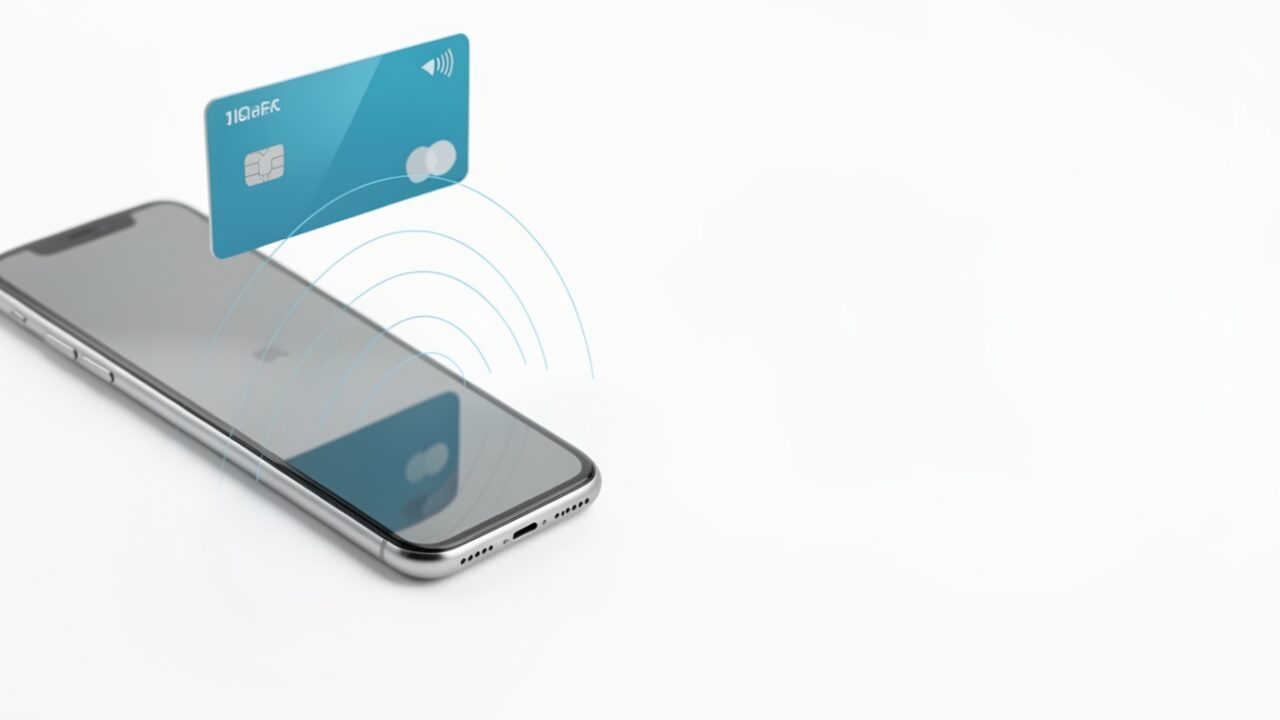
Tap to Pay on iPhone deletes that box. The customer taps a contactless card, an Apple Pay wallet, or a watch against the top of a merchant’s iPhone, and the phone is the terminal. On September 22, 2026, Apple switched this on in eight more Latin American markets: Argentina, Colombia, Costa Rica, the Dominican Republic, Guatemala, Honduras, Nicaragua, and Panama. If your org runs stores, field sales, or pop-up operations in any of those, the platform story matters more than the press release does. So let’s build it up from the metal.
The chip doing the work is the one you already trust
Start with the part everyone glosses over: where the sensitive stuff lives. Every iPhone from the XS onward has a Secure Enclave—a separate processor with its own memory, walled off from iOS, that holds keys the main OS never sees. It’s the same component that stores your Face ID and Touch ID templates and gates your passkeys. Apple’s own Platform Security guide spells out the rule: keys are generated inside the Enclave, used inside it, and the private material is never exposed to the application processor.
Tap to Pay leans on exactly that isolation. When a card taps the NFC antenna at the top of the phone, the encrypted card data doesn’t get parked in some app’s memory where a compromised process could scoop it up. The cryptographic handling happens in the protected path, and the cardholder’s PIN—when the transaction needs one, the EMV standard calls this the Cardholder Verification Method (CVM)—is captured through a secured entry screen rather than a plain text field your app can read. Apple’s line, stated in its own Tap to Pay newsroom announcements, is the one to hold onto: Apple doesn’t store card numbers on the device or on Apple servers. The phone is a conduit with a vault attached, not a filing cabinet.
This is the actual security argument, and it’s a good one. A rented terminal is a black box you have to trust. Here the trust anchor is a chip Apple already ships by the hundreds of millions, audited to within an inch of its life, doing the one job it’s good at.
What the device actually needs
The hardware bar is low by modern standards: iPhone XS or later. Apple states that requirement plainly on its Tap to Pay on iPhone page—that’s the generation where the NFC controller and Secure Enclave combination Apple requires shows up. On the software side, the ProximityReader framework that powers merchant-side acceptance is documented as available from iOS 16.0, and Apple’s requirements guidance tells merchants to keep the device on the latest iOS release. Translation: “whatever we deployed in 2023 is fine” is not a plan. Update your fleet.
Two things that are not requirements, and this trips people up:
- No external hardware. No dongle, no case, no Bluetooth reader. The antenna and the chip are already in the phone.
- No supervision requirement. Tap to Pay runs on a personal iPhone and on a supervised, MDM-enrolled device alike. Supervision doesn’t unlock it and doesn’t block it by default.
The one MDM setting that will quietly break it
Here’s the 2 a.m. version of the problem. A payment-accepting iPhone in the field suddenly refuses every tap. Nothing in the payment app changed. The app logs are useless. What changed was a restrictions profile pushed three days earlier by someone hardening the fleet who had never heard of Tap to Pay.
Because the feature rides the NFC controller, if your MDM restrictions payload turns NFC off, contactless payments die with it. The key is allowNFC, carried in the com.apple.applicationaccess payload; Apple’s Restrictions payload reference documents it, and set to false it disables NFC across the device—not just payments:
If you manage a mixed fleet, scope your hardening profiles so the payment-accepting devices keep NFC on. Don’t blanket-disable it across an org because one security checklist said “reduce attack surface.” Audit what you’ve actually got assigned:
Beyond that, there’s no magic supervision toggle to hunt for. The gating is done by region, by the payment app, and by the payment service provider that app is wired to—not by a fleet policy.
What developers actually integrate against
If your team builds the app that takes the tap, the framework is ProximityReader, documented at developer.apple.com/documentation/proximityreader, and it’s guarded by a real entitlement you have to request from Apple—this isn’t a checkbox you flip in Xcode on a whim:
That entitlement has to be granted and baked into the provisioning profile, and in practice you don’t go it alone: Tap to Pay integrations run through a payment service provider (PSP) whose backend supplies the token that authorises a reader session. Your app checks support, prepares the reader, opens a session with the PSP’s token, and reads the card. The shape of it:
That sequence follows the shape Apple documents for ProximityReader—check the PaymentCardReader reference for exact signatures, which shift between iOS releases. The point isn’t the exact call sequence anyway; your PSP’s SDK will wrap most of it. The point is that the sensitive read happens behind Apple’s framework and the entitlement wall. You never touch raw card data, which is precisely the liability you want to not be holding.
Where this touches your identity stack: barely, and that’s fine
Now the part the brief asked me to keep honest. This is a payments feature with Secure Enclave ties. It is not an identity feature.
Tap to Pay does not change how you federate Managed Apple IDs with Entra, Okta, or Google. It does not alter Apple Business Manager enrollment, automated device enrollment, or your Managed Apple ID sign-in flow. The device can be ABM-enrolled and supervised or a personal phone with a downloaded PSP app—Tap to Pay doesn’t care, because its trust chain runs card → NFC → Secure Enclave → PSP, not through your directory. If someone in a planning meeting claims this expansion has SSO implications, they’re padding a slide.
The real operational surface for IT is small and specific: keep NFC enabled on payment devices, keep iOS current, make sure the app carries the granted entitlement, and confirm the feature and your PSP are live in the country where the phone will actually be used. Regional availability is per-market and per-provider—turning it on in Panama doesn’t turn it on for a device provisioned for a country that isn’t on the list.
Eight fewer countries where your field staff have to lug a rented box that dies mid-shift. The interesting part isn’t the geography—it’s that the security model was sitting in every recent iPhone the whole time, waiting for Apple to flip the regional switch. It just did.