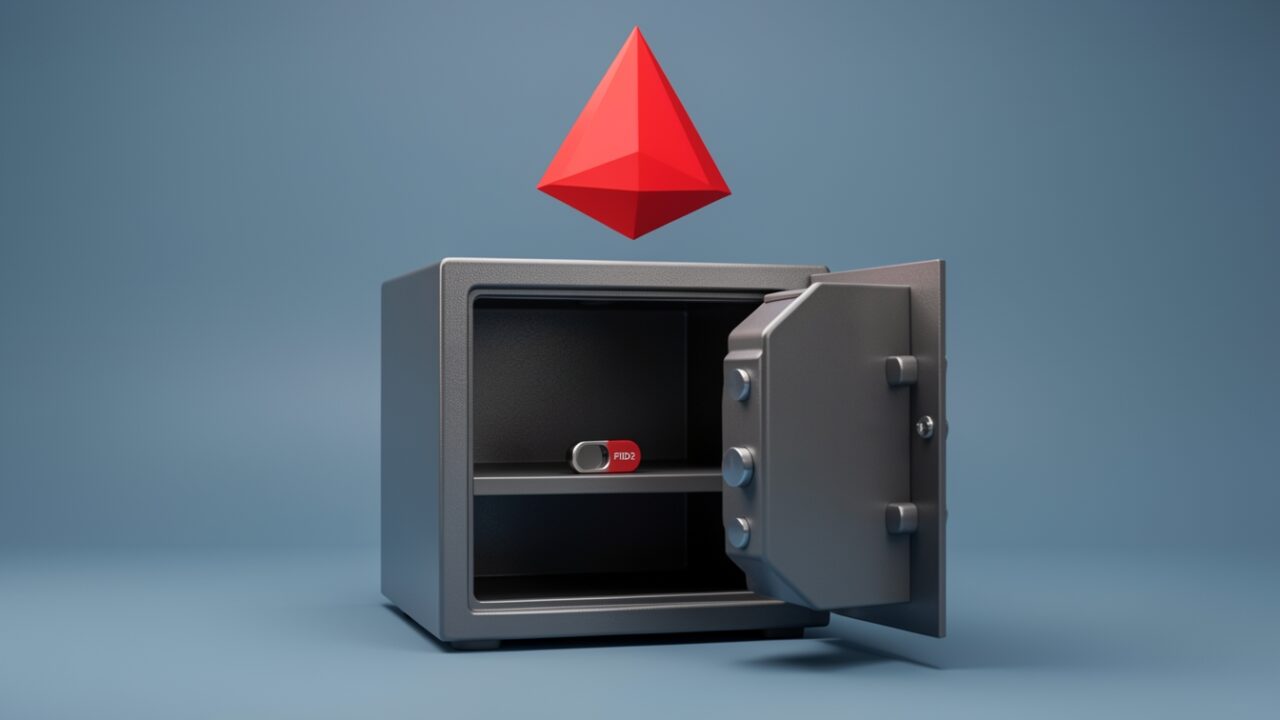
Two cloud-only Entra accounts, phishing-resistant MFA, excluded from Conditional Access, credentials in a safe. That is the updated guidance Practical365 summarised this week, and it is right. It is also the least interesting thing about break-glass accounts, and fixating on it is how good admins end up with a permanent, unwatched backdoor sitting in Global Administrator.
Let me give the checklist its due, because the checklist is correct and the reasoning behind it matters.
Why cloud-only. A break-glass account exists for the day your identity plane is on fire. If that account is synced from on-prem AD through Entra Connect, it inherits every failure mode of the thing you’re trying to recover from. Entra Connect stops syncing, a domain controller falls over, someone fat-fingers a sync rule and tombstones half your users — and your emergency account goes down with the ship it was supposed to rescue you from. A cloud-only account, created directly in Entra ID and never touched by sync, has no dependency on AD being healthy. That independence is the entire point. Two of them, because one account with a lost key or a locked-out credential is not a lifeline, it’s a single point of failure wearing a hi-vis vest.
Phishing-resistant MFA, and read that phrase literally. It does not mean “we turned on MFA.” SMS and voice are MFA and they are also trivially phishable and dependent on carrier infrastructure you don’t control. The guidance means FIDO2 security keys — a physical credential that can’t be relayed by an attacker-in-the-middle proxy. Buy two keys per account, enrol them, and lock them away. No authenticator app tied to someone’s personal phone that walks out the door when they resign.
The Conditional Access exclusion — and here’s where it gets uncomfortable. Microsoft tells you to exclude these accounts from your Conditional Access policies, and you should, because a CA policy that blocks sign-in during the exact outage you built the account for is a cruel joke. But understand what you’ve just done. You have created two Global Administrator accounts that are deliberately outside your single strongest access control. That’s not a footnote. That’s the whole risk. Every auditor who finds it will flag it, and they’re not wrong to.
So the real work isn’t creating the accounts. It’s compensating for the hole you dug on purpose. Alert on every single sign-in from these accounts — not a weekly report, a real-time alert to a human who will care at 2am. A break-glass sign-in is either a tested drill you scheduled, or an incident. There is no third category. If one of these accounts authenticates and nobody expected it, that’s a breach until proven otherwise.
Where to look: break-glass accounts live in Entra ID under Users; the exclusion lives in Entra ID > Protection > Conditional Access; and the sign-in alerting you can drive from log analytics or Microsoft Sentinel against the sign-in logs. Document the accounts, their purpose, and the key custodians — on paper, in a controlled location. Store the credentials and the FIDO2 keys offline, in a physical safe, split so no one person holds everything. Not in a shared mailbox. Not in a OneNote called “IT secrets.” Not in the password manager that itself uses Entra SSO, because now you’ve built a circular dependency that fails in precisely the scenario it exists for.
Test on a schedule and treat the test as the real control. Quarterly to semi-annual, sign in with each account, confirm the key works, confirm the account still has its roles, confirm your alerting actually fired. An untested break-glass account is Schrödinger’s lifeline — you find out whether it works at the worst possible moment.
The on-prem half nobody finishes. Cloud-only break-glass covers Entra. It does nothing for a Domain Admin locked out of AD. You need separate on-prem emergency accounts, and the discipline there is scope: restrict AD administrator accounts to domain controllers only. No local admin on workstations, no admin on member servers. The reason is tiering — a Domain Admin credential that also logs into endpoints is one phished laptop away from a full-domain compromise, and in a hybrid tenant that blast radius reaches straight back into Entra. Keep the on-prem tier and the cloud tier genuinely separate.
Now the mistakes, which are really the same mistake wearing different clothes: the account synced from AD, the account with no MFA, the credentials in a shared mailbox everyone’s offboarded admins still have access to. Each one feels like a configured break-glass account. Each one is a permanent gap that passes a glance and fails an incident.
Microsoft gave you a correct checklist. The checklist takes an afternoon. The monitoring, the testing, and the restraint to not reuse these accounts for anything else — that’s forever. If you only do the afternoon, you haven’t built a lifeline. You’ve built a liability with good documentation.