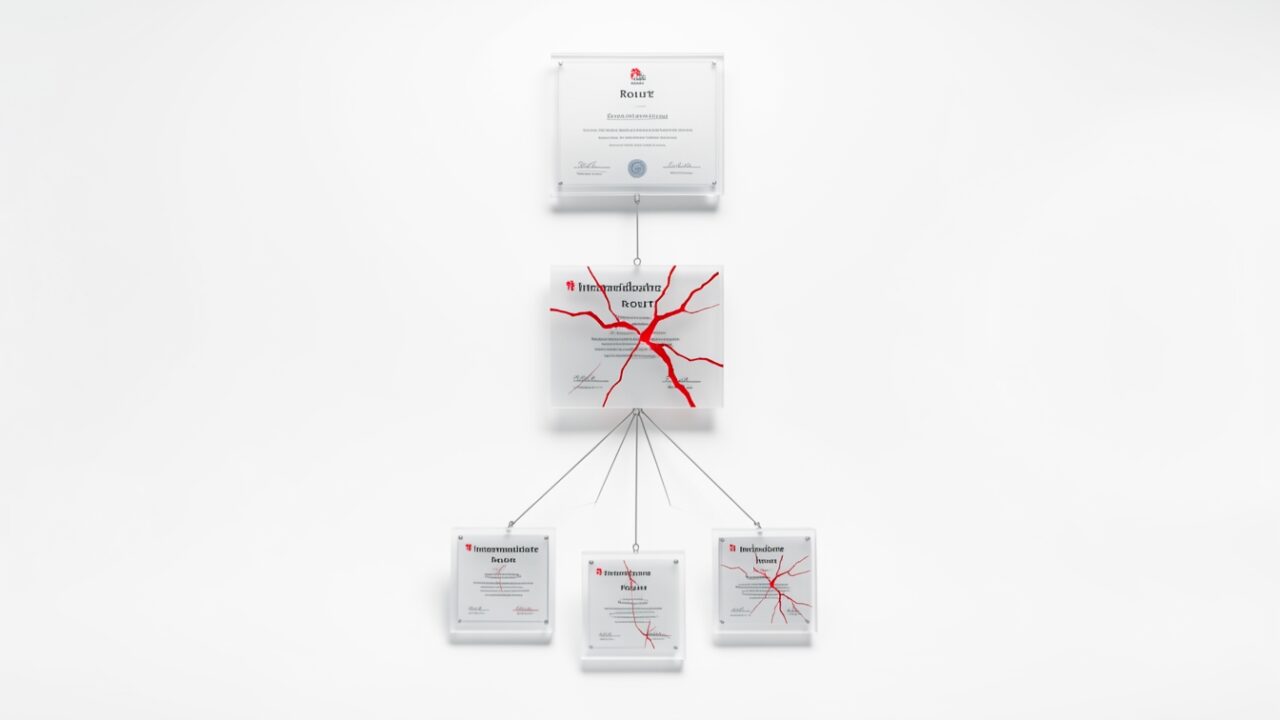
My cert is valid and my key is safe. Why is the browser rejecting it?
Because the problem isn’t your key. It’s the key one rung up the ladder. On October 20, Mozilla and Google’s Chrome Root Program confirmed that eight eMudhra intermediate CA private keys are compromised. That’s the signing key eMudhra used to issue certificates — including, possibly, yours.
Trust in TLS is a chain. Your leaf certificate is trusted because an intermediate signed it, and that intermediate is trusted because a root signed it, and the root lives in the browser’s trust store. Snap the intermediate and everything hanging off it falls, regardless of how clean your end of the rope is. You can have a perfect private key in an HSM, perfect renewal hygiene, perfect CAA records — none of it matters. The signature above you is now radioactive.
What does “intermediate CA private key compromise” actually buy an attacker?
Everything. Whoever holds that key can mint a valid certificate for yourbank.com, login.microsoftonline.com, your internal API gateway — any name they like — and browsers would have accepted it as genuine right up until these distrust updates shipped. That’s the whole ballgame: MITM TLS without a warning, impersonate any site, and depending on the key’s extended key usage, potentially sign code or authenticate as a client.
A leaf key compromise is a bad day for one cert. An intermediate key compromise is a bad day for the entire namespace of the internet, because the key doesn’t care whose domain you type. That’s why the response is a scorched-earth distrust rather than a quiet revocation.
Which eight eMudhra intermediates are affected?
Pull the exact list from the source — don’t trust anyone’s paraphrase, including mine. The authoritative identifiers are the Subject CN and the certificate serial number, and they live in the Mozilla CA incident bug and the Chrome Root Program announcement published on the 20th. Match on serial number plus issuer, not on “eMudhra appears in the string somewhere.” eMudhra operates several brands and sub-CAs; a fuzzy name match will light up certs that aren’t in scope and miss ones that are if the CN wording surprises you.
I’m deliberately not reprinting eight CNs and serials from memory. If I get one hex digit wrong you reissue the wrong chain at 2 a.m. and the right one stays broken. Get the list from the advisory, drop the serials into a variable, and audit against that.
How do I check my public-facing certs tonight?
openssl, a host list, and ten minutes. This dumps the served chain and flags anything with eMudhra in a subject or issuer. Read-only — it touches nothing, changes nothing.
Feed it your inventory, not just the obvious front door. The cert that bites you is the forgotten internal admin panel or the load balancer health-check listener nobody has logged into since the last reorg. Loop it over a file of hostnames and dump the output somewhere you can grep tomorrow.
What about Windows boxes and my internal PKI?
Same idea, different plumbing. This walks the local machine and user stores, builds each chain, and reports any leaf whose chain passes through an eMudhra intermediate. Fix the $needles array to the exact CNs from the advisory before you rely on it.
Run it under SYSTEM or elevated so LocalMachine actually enumerates. For fleet-wide coverage, push the same logic through your endpoint tooling or a scheduled report and collect the Thumbprint column — that’s your remediation worklist.
The browsers are handling it. Can’t I just wait?
No, and that’s the trap. Browser and OS distrust is your outage, not the attacker’s. Chrome and Edge will push the distrust via CRLSet, Firefox via OneCRL, macOS and Windows through their own trust-store updates, and the Go runtime bakes removals into its bundled roots. Every one of those lands on a different cadence. So you don’t get a clean cutover — you get a slow, uneven brownout where a quarter of your users start seeing NET::ERR_CERT_AUTHORITY_INVALID while the rest are fine, and your monitoring, which probably trusts an older bundle, says everything is green.
The vendors are protecting their users from forged certs. They are not protecting your revenue from a cert that was legitimately yours. If you chain to one of these eight, waiting just means your users find out before you do.
Do I need to re-enrol every device and replace every cert?
No — only the chains that terminate in one of the eight. This is where panic costs you more than the incident. Do not mass-replace your entire estate because a headline said “eMudhra.” Confirm which leaves chain through the compromised intermediates using the scripts above, build the thumbprint list, and reissue those. Certs that chain through unaffected eMudhra intermediates — or any other CA — stay put.
That said: reissue the affected ones from a different CA this week. Re-signing under the same operator while the incident is live is optimism dressed as a plan.
I pin certificates in my mobile app / service mesh. What breaks?
Everything you pinned to the dead intermediate, and it won’t self-heal. Pinned clients ignore trust-store updates by design — that’s the point of pinning — so they’ll keep trusting a forged cert and keep breaking when you re-chain to a new CA. If you pin the intermediate SPKI, you need an app or config update, not just a new leaf. Find your pin sets tonight. They have the longest tail and the worst failure mode: a hard outage on clients you can’t hotfix.
Code-signing and client-auth certs too?
If any of the eight were issued with code-signing or client-authentication usage and you’ve got certs under them, yes. Distrust doesn’t stop at TLS. Signed binaries can fail validation, mutual-TLS clients can get refused at the gateway. Check the EKU on your affected leaves, don’t assume it’s web-only.
What’s the actual order of operations?
Tonight: grab the eight serials from the advisory, run both scripts against your public endpoints and your machine stores, and produce one list of affected thumbprints. No changes yet — just know your blast radius before the distrust fully lands.
This week: reissue the affected chains from a different CA, redeploy, and update every pin set and offline trust bundle that referenced the old intermediate. Validate with a client that already has the distrust applied — a freshly updated Chrome is a fine canary.
Then do the thing nobody budgets for: write down which CAs sign what, so next time a signing key leaks you can answer “are we exposed?” in minutes instead of a long night with openssl and a growing sense of dread. The keys are out. The only variable you control now is how fast you find yours.