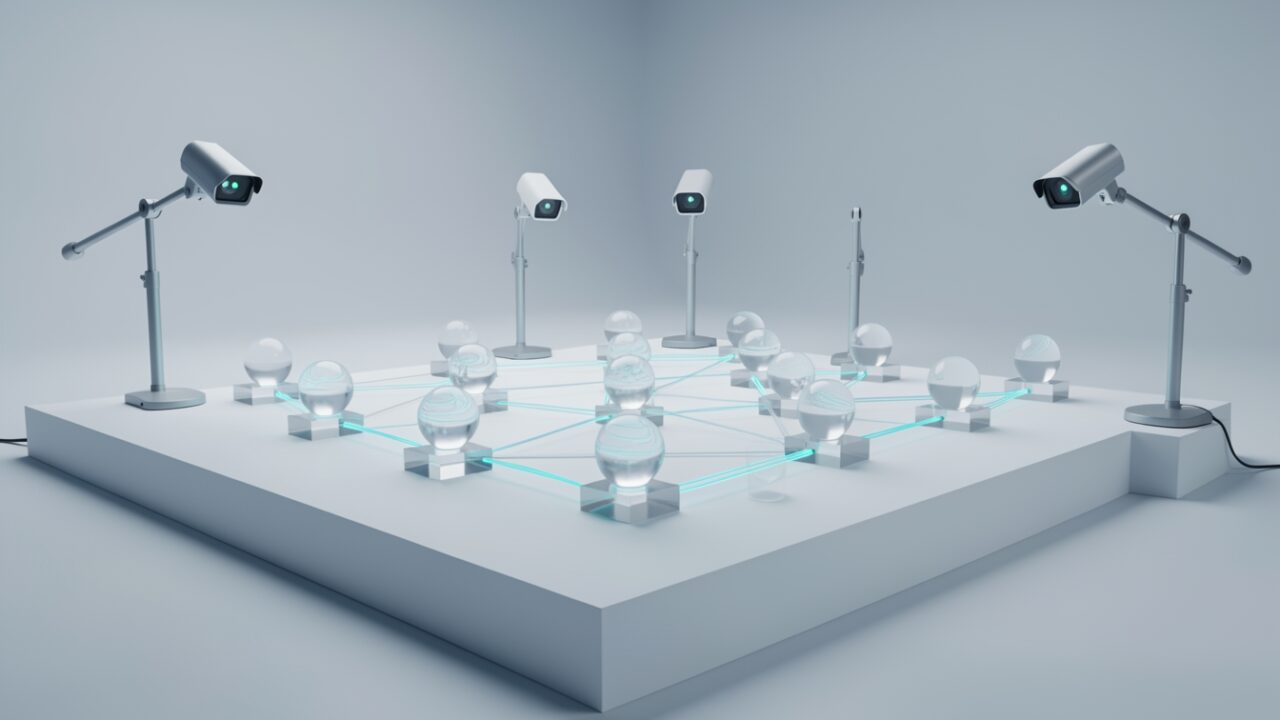
One agent. One Mail.Read consent. Ten thousand messages pulled and posted to an external model endpoint before anyone opens a ticket. That’s not a hypothetical from a vendor deck — it’s the exact failure mode Microsoft is now naming out loud, and it’s why Project Perception stopped being a user-behaviour story this week.
October 19: the day agents became an insider-threat category
Microsoft announced that Project Perception — its AI-driven security analytics effort, originally built to spot anomalous human behaviour and insider risk — is expanding to watch AI agents that “have access to sensitive company information and systems but don’t always behave as expected.” Read that phrasing again. It’s a quiet admission that agents already hold tenant access, and nobody has a clean control plane for them yet. The expansion is the acknowledgement; the tooling is still arriving.
Two permission types, one blind spot
Every agent in your tenant authenticates as a service principal, and it gets its reach one of two ways. Delegated permissions act on behalf of a signed-in user — the agent can only do what that user can do, which sounds reassuring until the user is a VP with access to the whole finance library. Application permissions (app roles) act as the agent itself, with no user in the loop, and these are the dangerous ones: Mail.Read, Sites.ReadWrite.All, Files.Read.All, granted tenant-wide by an admin who approved a Copilot extension at 4:45 on a Friday.
The blind spot is behavioural. Entra tells you the grant exists. It does not tell you the agent just read every mailbox in one burst at 3 a.m. That gap — between “has permission” and “is doing something weird with it” — is the whole pitch.
Three signals worth more than the branding
Strip away the project name and the useful part is what it correlates: API call volume (an agent that normally reads 50 items/hour suddenly reading 50,000), data movement (egress to external endpoints, downloads disproportionate to the task), and consent and privilege changes (new high-value scopes, fresh app-role assignments). Those three together are a reasonable exfil and privilege-escalation detector. Expect it to surface inside the Defender and Purview ecosystem rather than as a standalone console — but confirm the exact blade in security.microsoft.com and purview.microsoft.com for your tenant, because where a preview capability lands and where it ships are frequently not the same place.
Zero of those detections is a policy boundary
Here’s the part the announcement won’t lead with. This is monitoring. It tells you an agent misbehaved; it does not stop the agent from having Sites.ReadWrite.All in the first place. Detection after a library is half-deleted is better than nothing and worse than never granting the scope. Treat Project Perception as the smoke alarm, not the fire door. The fire door is still least-privilege app registration, and that’s on you.
The audit you can run today, before any licence lands
You don’t need the preview to find your exposure. Enumerate service principals and their high-value grants now. This is read-only — review the output, decide, then remediate by hand. Never pipe a live query straight into a revoke.
Open the CSV. Any agent you don’t recognise holding an application-level mail or SharePoint scope is your first phone call, not a detection rule’s problem. Delegated grants (user-consented permissions) need a separate pass — query Get-MgOauth2PermissionGrant and filter by the same high-risk scopes.
What to assume about licensing and timing
Microsoft hasn’t published GA dates or a firm SKU for this expansion, so don’t plan a budget line around it yet. The honest guess: it lands behind the E5 / Defender security tier like the rest of the analytics stack, and arrives in preview before it arrives everywhere. Verify against the Microsoft 365 message center for your tenant rather than any blog — including this one.
The agents are already inside, already consented, already reading. A detector that tells you when one goes rogue is overdue. Just don’t let the dashboard talk you out of revoking the permission it should never have had.