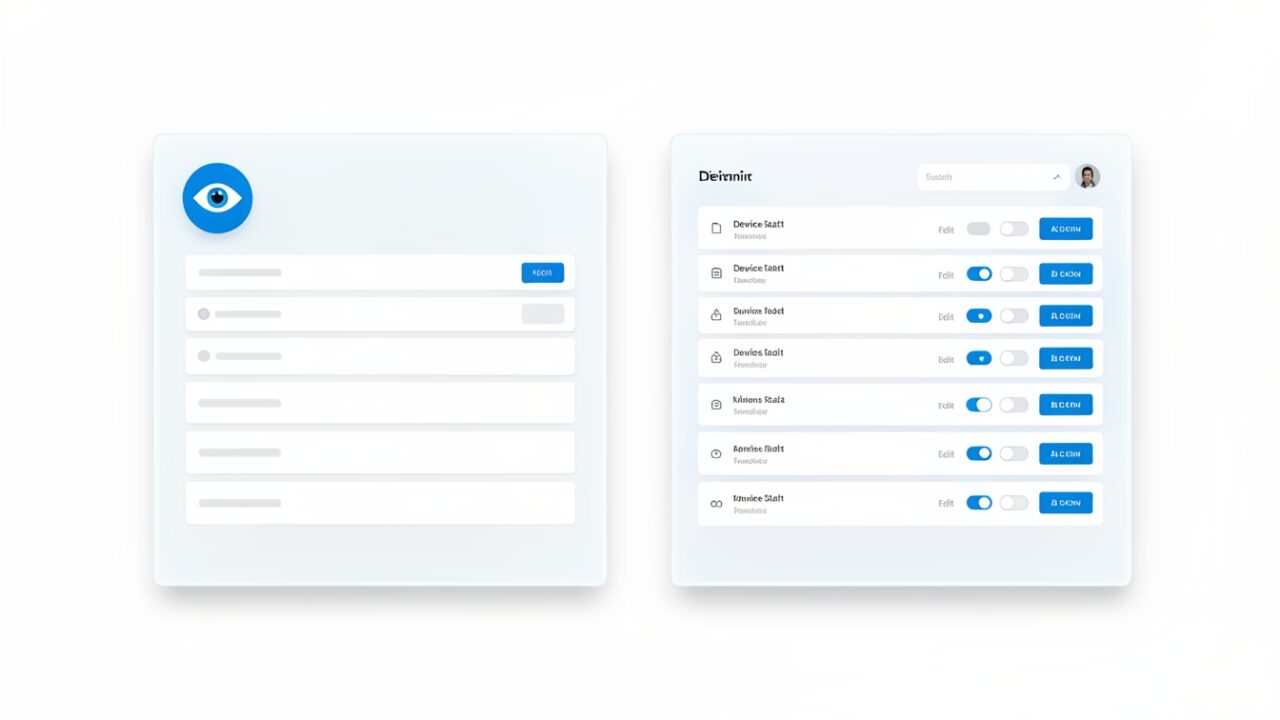
What does View-Only Device Management actually let someone do?
It lets them look. That’s the whole pitch, and it’s a good one. The role grants read access to the Device onboarding page in Purview — the one under Settings → Device Onboarding that shows which endpoints are enrolled for endpoint DLP and what state they’re in. Think of it as a window into the server room. You can see every rack, read every blinking light, confirm the machine you expect is actually there. You just can’t reach in.
And what can’t they do?
Everything that changes anything. No onboarding new devices, no offboarding, no editing enrollment settings, no toggling the onboarding method. Read the dial, don’t turn it. That line — the one between seeing state and setting state — is exactly the line that didn’t exist before.
Hold on, is this an Entra role or a Purview role?
The feature lives on the Purview surface — this is the DLP device onboarding view, not Intune’s device blades. Don’t conflate the two; they’re different rooms in different buildings. But role assignment is increasingly surfaced through the Entra admin center under Roles → Role assignments, which is where the brief points you and where most admins will go looking. Verify the assignment landed by having the assignee actually open the Device onboarding page. If they see it read-only, it worked.
Why was this such a headache before?
Because to read one page, you had to be trusted to rewrite it. Viewing device onboarding status required Compliance Administrator, Global Administrator, or Security Administrator. Every one of those carries write permissions that sprawl far past a single monitoring page. You wanted to give a SOC analyst a periscope; the only tool in the drawer was the captain’s chair. So teams either over-provisioned and crossed their fingers, or spent an afternoon stitching together a custom role. Both are the kind of thing that looks fine until an audit asks why your read-only analyst can offboard endpoints.
Who should actually get this?
Anyone whose job is to watch, not touch. SOC analysts confirming coverage during an incident. Audit and compliance staff pulling evidence. Junior team members you want near the data but nowhere near the settings. If someone’s deliverable is a screenshot or a status check, this is their role.
How do I find the people I can downgrade right now?
Pull your current Compliance Administrators and work out who’s only ever there to read. This query is read-only — it changes nothing, it just hands you a candidate list. Review it against what each person actually does before you touch a single assignment.
Take that list to whoever owns those identities. Confirm each person’s real need, then remove the heavy role and assign View-Only — one reviewed change at a time, never a loop straight off the query.
Do I need a particular licence?
The role is RBAC plumbing, but the thing it lets you see — endpoint DLP device onboarding — rides on your existing Purview/endpoint DLP entitlement. If the feature is lit in your tenant, the view is available to govern. If endpoint DLP isn’t licensed, there’s nothing to read.
When can I use it?
It’s tracked as roadmap item 577187. Rollout is staged per tenant, so check the roadmap entry and your own Message Center rather than trusting a date you read somewhere. When it lands, the role appears in your assignment list — no migration, no re-onboarding.
The quiet win here isn’t a new capability. It’s a subtraction: every analyst who no longer needs write access to do a read-only job is one less way your DLP config gets changed by accident. Blast radius, trimmed one role at a time.