For years the pitch for retention hold was reassuringly absolute. Put a policy over a site, and even if a user empties their recycle bin, the content survives in a hidden Preservation Hold Library until the policy says otherwise. The user thinks they deleted it. They didn’t. That gap — between what people can do and what actually happens to the bytes — is the whole point.
Priority Cleanup, now generally available for SharePoint Online and OneDrive, reopens that gap on purpose. It removes specific items even when they’re covered by a retention policy or label. That sounds like a contradiction, and the headline treats it as one. So let’s pressure-test the claim it rests on: that retention hold is no longer a hard lock.
So retention hold isn’t a lock anymore?
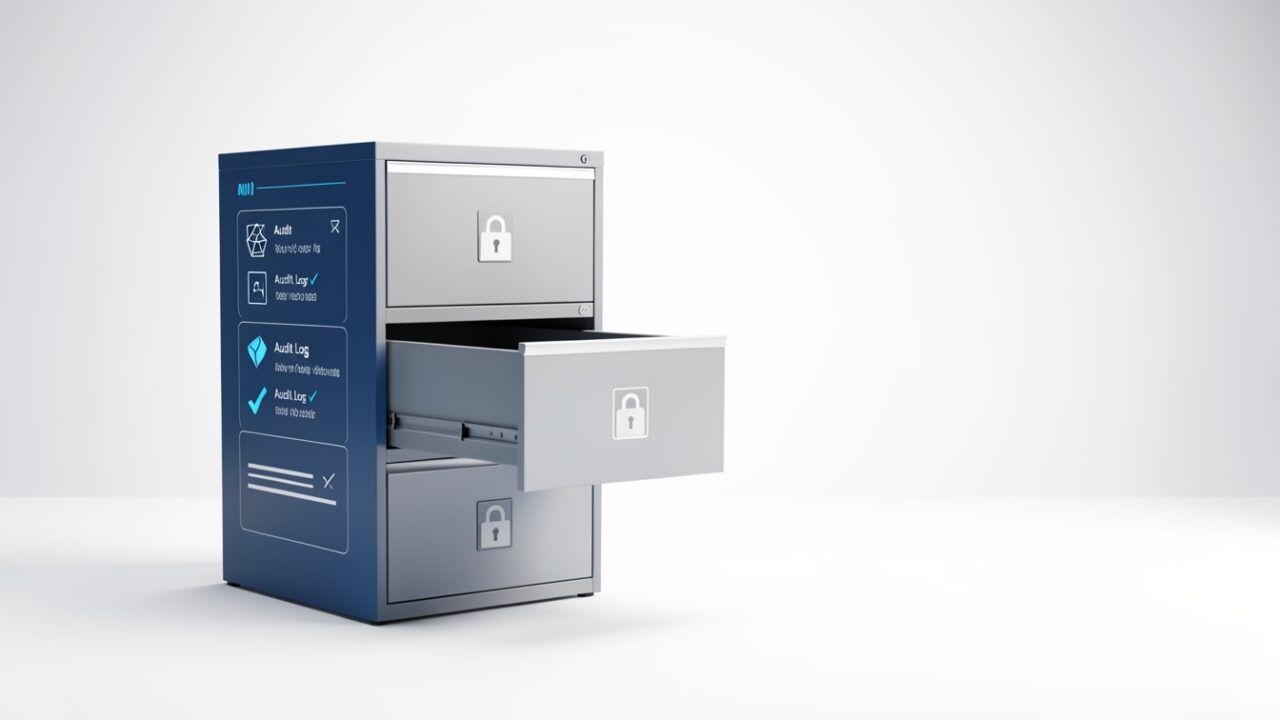
Think of a retention policy as a filing cabinet where someone quietly disconnected the shredder. Staff file and refile, throw things in the bin, feel productive. But everything also drops into a copy in the basement — the Preservation Hold Library — and the shredder in the basement has no power cable. That design is deliberate: retention is supposed to be tamper-evident and tamper-resistant, so that “delete” at the user layer never means “gone.”
Priority Cleanup doesn’t rip the cabinet out. It’s closer to a demolition permit for one drawer. You scope a specific set of content, the system walks it through a controlled removal that does reach into the Preservation Hold Library, and the item is permanently deleted ahead of its retention schedule. The policy stays in force for everything else. The shredder gets a power cable for exactly the drawer on the permit, and only for as long as the job runs.
Here’s the part worth stating plainly, with one honest caveat: as far as I can establish, this is the first supported mechanism that lets you destroy retained content before its retention period ends without stripping the policy off the whole location and re-applying it afterwards. That strip-and-reapply dance is the ugly workaround admins used to reach for, and it affected far more than the one item they cared about. If you know of an earlier supported path, I’d like to hear it — but I haven’t found one, and that’s the whole reason this release matters.
Who gets to pull the lever?
This is where the “retention hold is dead” reading starts to wobble, and it’s also where I have to be careful about what I actually know. Priority Cleanup is not a button on the ribbon — it’s a dedicated policy type in the Microsoft Purview portal, distinct from your normal retention policies. In the tenant I looked at it sits under the data lifecycle management area, but portal navigation shifts often enough that I’d tell you to confirm the exact node in your portal rather than take a menu path from me as gospel.
On permissions, be honest about the uncertainty. The working expectation is Compliance Administrator or higher, and it’s reasonable to assume creating or running a cleanup policy needs an elevated retention-management role rather than something handed out broadly. I have not nailed down the exact role assignment from the documentation, so verify it against your own role groups before you design an access model around it. The principle survives the uncertainty, though: whoever can run this can permanently destroy held data, so treat that capability as a security boundary no matter which role label it ends up carrying.
One more thing I want to flag rather than assert. I have not confirmed that Purview enforces a built-in multi-person approval step on a priority cleanup policy. So don’t assume the tool will stop a lone admin from running it unattended — build that control yourself. Require a documented sign-off before anyone touches the policy, and keep the list of people who can run it short. If Microsoft does ship an approval workflow, treat it as a floor, not a substitute for your own.
On licensing: expect this to follow the usual Purview pattern and sit in the advanced data lifecycle management tier, which in practice means E5-level compliance licensing for most tenants. I’m hedging that deliberately — I haven’t verified the exact SKU requirement, and GA means out of preview and broadly available to tenants that qualify, not free for everyone. Confirm entitlement before you promise anyone this capability exists in your tenant.
Does it override a legal hold too?
Here’s the distinction the headline flattens, and it’s the one I’m most cautious about because I’m reasoning from how Purview is built, not quoting a line that settles it. “Retention hold” and “legal hold” get used interchangeably in corridors, but Purview treats them as different animals.
A retention policy or label is lifecycle governance — keep this class of content for seven years. Priority Cleanup takes precedence over that; that’s the whole feature. An eDiscovery hold is a litigation preservation order — freeze this specific content because it’s relevant to a legal matter. Whether Priority Cleanup punches through an eDiscovery hold is exactly the question you must answer from authoritative documentation or a controlled test before you rely on any behaviour either way. I have not confirmed it, and I’m not going to pretend I have.
So treat this as a hard operating rule rather than a product claim: do not point Priority Cleanup at content under an active eDiscovery hold, full stop, until you have confirmed what happens. The scenario people imagine — “legal told us to delete it” — is almost always a retention-lifecycle or data-spillage problem, not a request to destroy something under litigation hold. If you ever find yourself wanting Priority Cleanup to override an eDiscovery hold, stop. You’re about to spoliate evidence, and no feature should make that one click away.
What does the audit trail show?
The expectation — and the thing that makes this a governed exception rather than a backdoor — is that the policy creation, any approval, and the execution all land in the unified audit log. Verify you can actually read that trail before you need it in front of an auditor, and confirm the exact operation strings your tenant emits rather than trusting a guessed filter. In the portal that’s Purview → Audit → Search.
The script below is nothing exotic: it’s the standard Search-UnifiedAuditLog retrieval pattern — session-based pagination, client-side filtering, export for review — pointed at Priority Cleanup activity. I can’t give you the canonical operation names because I haven’t confirmed them, so this casts a wide net and leaves the judgement to a human.
Notice what that script does and doesn’t do: it reads, it filters client-side, it exports for a human to inspect. It changes nothing. That’s the posture the whole feature demands.
When is destroying the item actually the right call?
Three situations genuinely justify it. A data-spillage incident, where highly sensitive or classified content landed somewhere it never should have, and leaving it to age out of retention is itself the risk. A documented legal directive to erase specific records — a privacy erasure obligation that overrides the ordinary retention schedule. And a security-led purge of exposed material after a breach, where the retained copy is now an attack surface.
What all three share: a written justification that exists before the deletion, and content that is not under an active eDiscovery hold. “An executive wants it gone” is not, by itself, a scenario — it’s the opening line of one, and the missing part is the legal or security basis that someone will sign their name to.
Whatever you scope, scope it from a reviewed list, never a live query. Export the candidate items, have a second person confirm each one, then act on that frozen CSV. Piping the output of a content search straight into a destructive operation is how a one-item cleanup quietly becomes a thousand-item incident:
The verdict
The headline says retention hold no longer means “nobody can delete this.” More precisely: retention lifecycle protection now has a governed, logged exception for specific items. Whether that exception also reaches litigation preservation is the one thing you must confirm before you trust it — I haven’t, and I’d rather tell you that than guess.
So the lock didn’t disappear. It grew a second keyhole. Whether that keyhole takes two keys is partly up to Microsoft and partly up to you — so until you’ve confirmed the product enforces it, turn it into a two-key control yourself. This is the manual override every serious system eventually needs — the kind you hope never to use, and are very glad exists the one time you do.